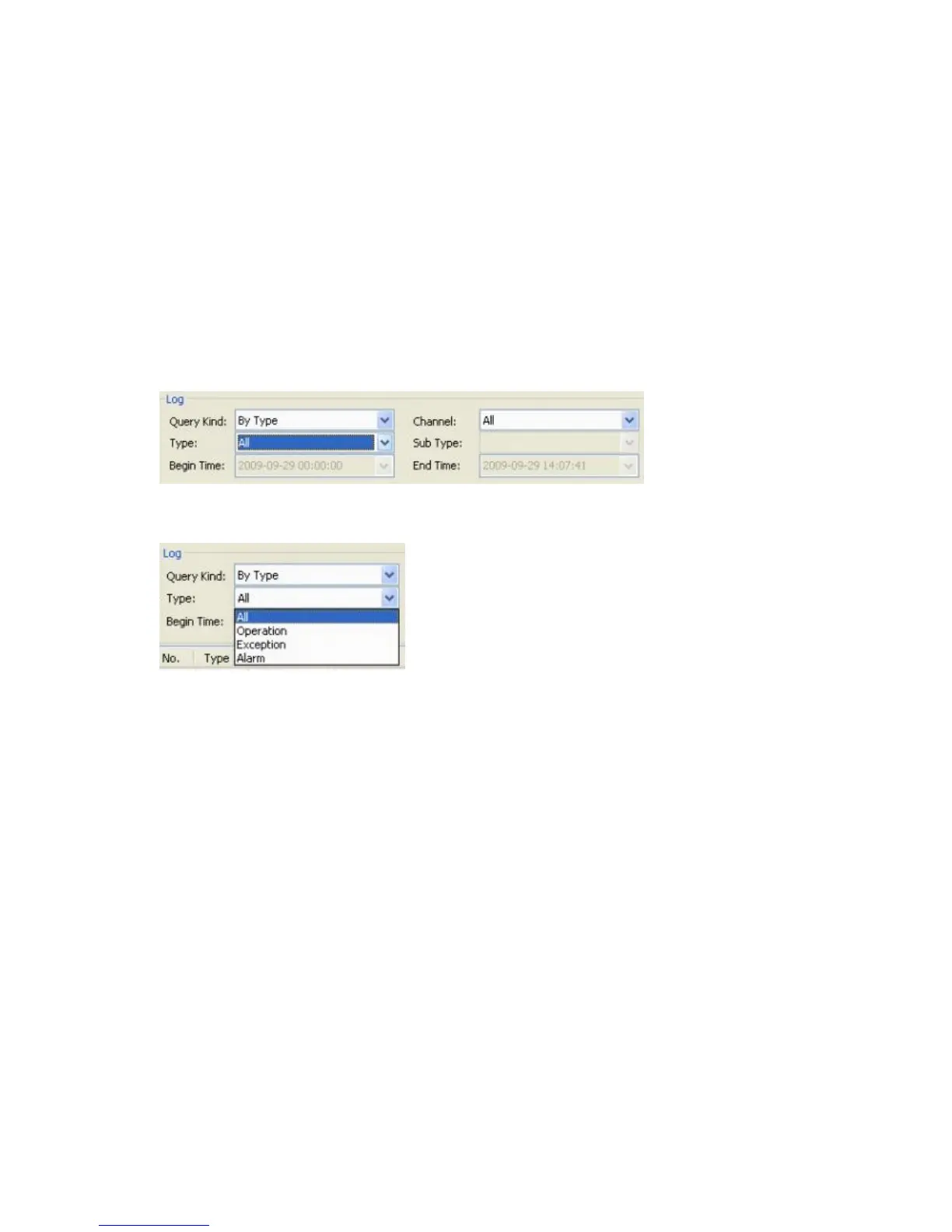
If you chose to view logs according to Time, the Begin Time and End Time fields will be
activated, though Type and Sub-Type will be inactive.
The time is expressed in the YYYY-MM-DD HH:MM:SS format. When selecting the time
frame for the desired logs, you can set up the start and end time either by highlighting the
necessary element and changing it from the keyboard, or by selecting the date and time from
a drop-down calendar.
6.4.4.3 Query Kind by Type
If you select Query By Type, then the Type field will become active and depending on the
choices made in the Type field, you could also modify the Sub Type values.
There are four types available: All, Operation, Exception and Alarm.
If you select All types in the Type field, the Sub Type field will not be active.
If you select the Type as Operation, you activate 32 options for the Sub Type:



 To Next Page