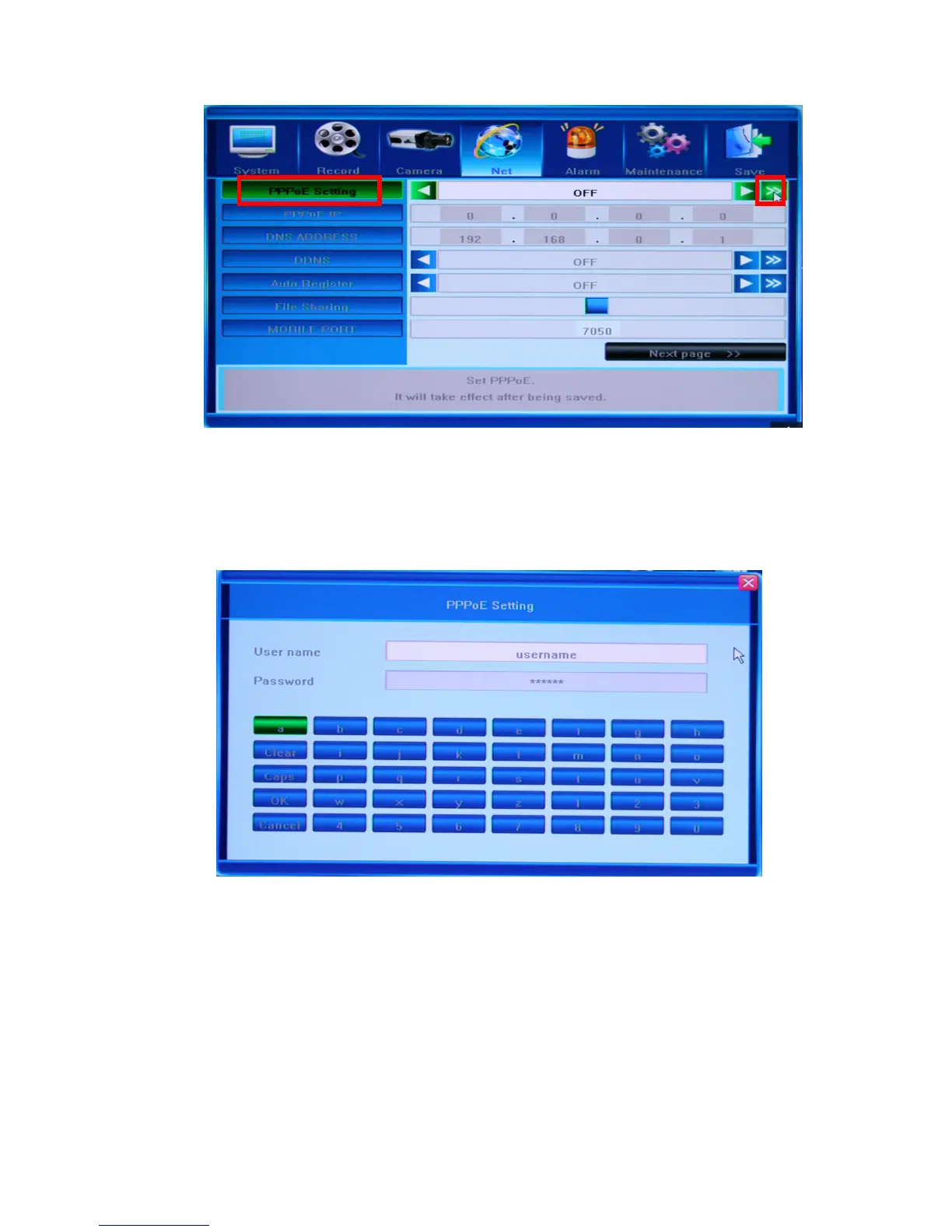
In a separate window, which you can bring up by pressing the [>>] button at the right end of
the PPPoE Setting field, you can input the ADSL user account name and password. You can
get this data from your Internet Service Provider. Use the keypad located in the lower half of
the PPPoE Setting screen to input this data.
5.5.6 PPPoE IP
These values depend on your actual account, please contact your Internet Service Provider
for details.



 To Next Page