5.3.6 OSD Setting
With the help of this option, you can define which information will be recorded onto the video
as the OSD (On-Screen Display) string. There are 4 available options.
1) Camera’s Name and Time Stamp
2) Camera Name
3) Time Stamp
4) None
Make your selection navigating through these choices by using arrow button on each end of
the field.
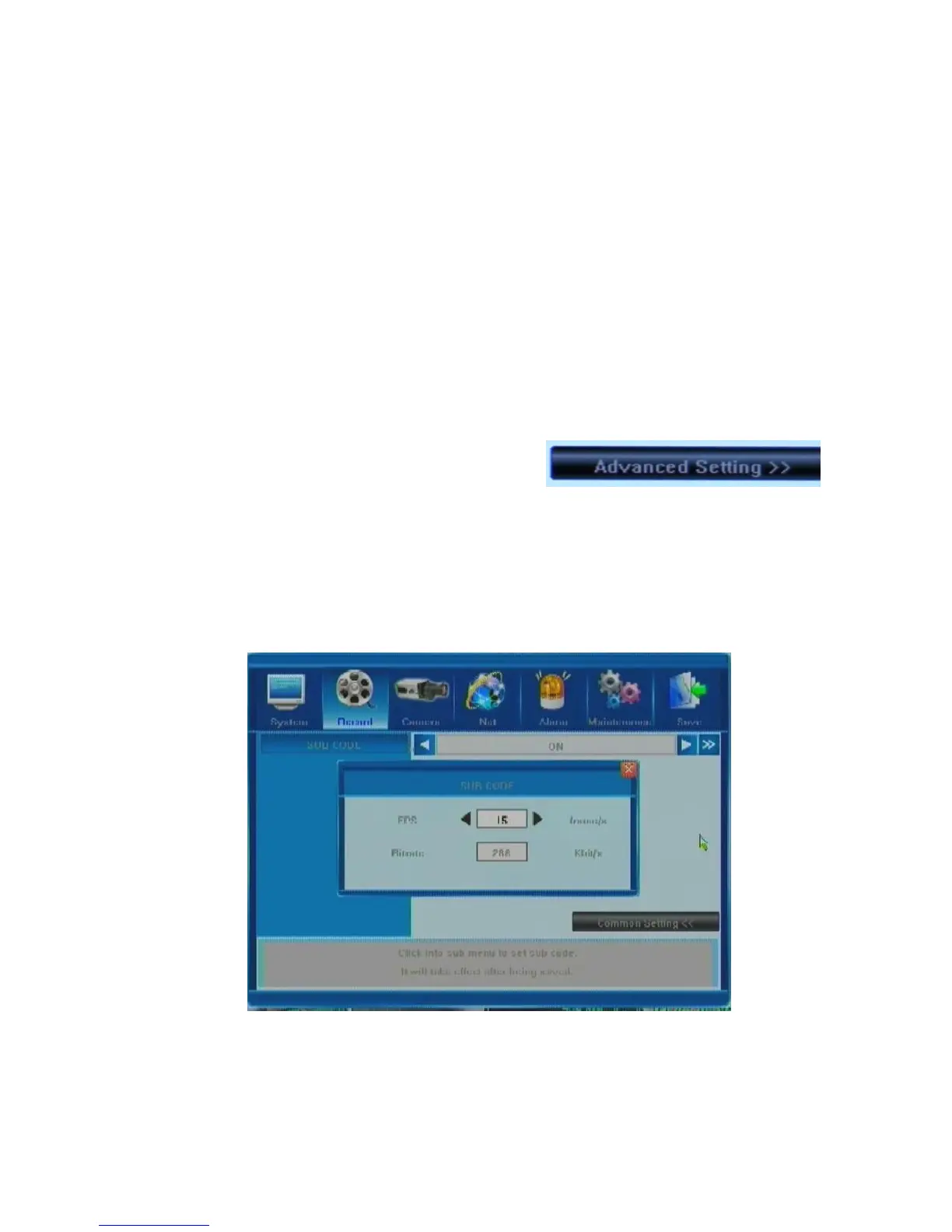
5.3.7 Sub Code (Advanced Setting)
Next window in the Record Tab is accessed by
pressing the Advanced Setting button. There is
only one more important item: Sub Code. Your DVR
can stream information for viewing both with IE
Browser and a mobile phone. You can enable/di s a b l e s ub cod e (O N / O F F opti o ns) or cre at e
customized settings (by pressing the [>>] button at the right end of the field) in the SUB
CODE pop-up window, adjusting the frame per second (FPS) and Bitrate (Kbit/s) values.
Position the mouse over the required field and use the arrows which will appear to
increase/decrease the values. In case of a limited upload bandwidth, it would be a good idea to
optimize your Sub Code values for the IE client viewer and mobile streaming.



 To Next Page