EasyManua.ls Logo

Konig SEC-DVRMON30 - User Manual

Konig SEC-DVRMON30
101 pages
Print Icon
To Next Page IconTo Next Page
Loading...
ENGLISH
MANUAL
SEC-DVRMON30
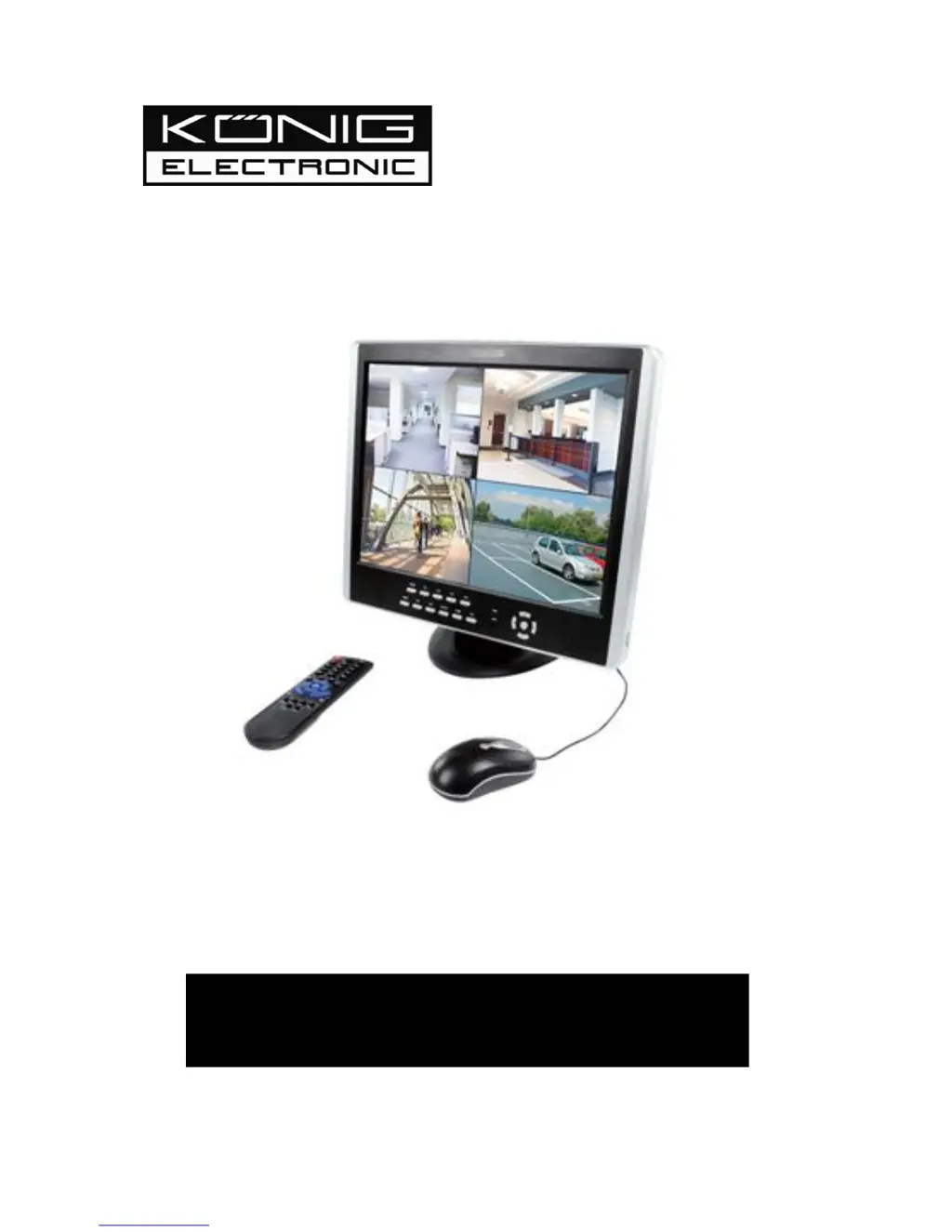
15" Monitor with DVR

Table of Contents

Questions and Answers

  • T
    Timothy CampbellAug 18, 2025
    How to fix Konig DVR recording function not working properly?
    • B
      brandon15Aug 18, 2025
      If the recording function on your Konig DVR isn't working correctly, ensure the HDD connections are properly connected. Also, verify that the HDD has been formatted before use. Finally, review the settings in the appropriate menus to ensure they are correctly configured.
  • B
    bmaxwellAug 21, 2025
    How to correct the date and time on my Konig SEC-DVRMON30 DVR?
    • M
      Maria WarnerAug 21, 2025
      To correct the date and time on your Konig DVR, log in as Administrator and adjust the Date and Time settings in the System Tab of the Main Menu.
  • W
    William BondAug 23, 2025
    Why is my Konig SEC-DVRMON30 image black and white?
    • J
      jjimenezAug 23, 2025
      The image on the monitor may appear in black and white due to incompatibility between the video input, DVR, and monitor systems. Make sure these systems are compatible (e.g., all NTSC or PAL). Also, at night, most video appears black and white. If you find some incompatibility or inconsistency, set the monitor system option to the automatic identification state.
  • B
    bryandavidAug 26, 2025
    What to do if nothing is displayed on the Konig DVR monitor?
    • B
      brentlevyAug 26, 2025
      If nothing is displayed on the monitor connected to your Konig DVR, check whether the monitor power supply is on and that the monitor’s brightness isn't at its lowest setting. Also, check whether the video cable is properly connected and that there are no issues with the circuit.
  • S
    Steven YatesAug 27, 2025
    Why does my Konig SEC-DVRMON30 restart repeatedly?
    • C
      Christopher FryAug 27, 2025
      If your Konig DVR restarts repeatedly, first check the power supply to ensure it provides sufficient power for all the hard disks. You can also disconnect all connections, such as cameras and network connections, to see if the DVR will start. A corrupted or damaged hard drive can also cause this issue; carefully remove the cover and take out the hard drive to inspect it.
  • V
    valeriegilmoreAug 30, 2025
    How to fix a blurry image on my Konig DVR?
    • B
      brian99Aug 30, 2025
      An unclear image on your Konig DVR may be due to some kind of interference. Check the video cable to ensure it isn't broken and that the connections are good. Also, check the condition of the camera, the monitor, and the circuit for any signs of damage or deterioration.
  • R
    riosmichaelSep 1, 2025
    What to do if my mouse doesn't work with Konig SEC-DVRMON30?
    • A
      abigailmercadoSep 1, 2025
      If your mouse isn't working with your Konig DVR, use the mouse delivered with your device. If you're using other brands, try various ones to see which one works. Wireless mice are not compatible with your DVR.
  • K
    Kimberly MerrittSep 3, 2025
    How to troubleshoot Konig SEC-DVRMON30 DVR failing to start?
    • J
      Jennifer AllenSep 4, 2025
      If your Konig DVR fails to start after being connected to the power supply, make sure the power switch on the device is turned on and that there is sufficient power. Also, check that the start-up procedure is working correctly.
  • C
    Cheryl MartinSep 6, 2025
    What causes a Konig SEC-DVRMON30 DVR to crash during recording?
    • D
      Danielle HayesSep 6, 2025
      If your Konig DVR crashes during recording or when watching recorded information, this may be due to failure or malfunction of the hard disk. Check to see if there are any problems with the hard disk. If one of your hard disks has failed or malfunctioned, replace it and try again.
  • D
    David GoodwinSep 8, 2025
    Why is the color quality low on my Konig SEC-DVRMON30 DVR?
    • T
      Travis ClarkSep 8, 2025
      If the color quality is low in both real-time and recorded images on your Konig DVR, check the proper adjustment of the output/input video parameters on the DVR menu. Also, check the condition of the connecting lines to ensure good connectivity.

Summary

Contents of the Box

Getting Started Checklist

Check all relevant connections are done correctly before starting to work with the DVR.

Hardware

Hardware Installation Guide

Provides instructions for basic connections and hardware setup, including HDD and PTZ.

Getting Started and Main Screen

DVR Settings

System Settings Configuration

Covers general system settings including language, video standard, resolution, and time.

Record Setting Configuration

Details settings for recording quality, frame rate, source, OSD, and sub-code.

Network Settings Configuration

Covers network preferences for remote access, including IP, ports, PPPoE, DNS, and DDNS.

Web Browser Operation

Mobile Phone Support

Troubleshooting

Troubleshooting: Device Power Issues

Steps to resolve issues where the DVR fails to start after being connected to power.

Konig SEC-DVRMON30 Specifications

General IconGeneral
BrandKonig
ModelSEC-DVRMON30
CategoryDVR
LanguageEnglish

Related product manuals