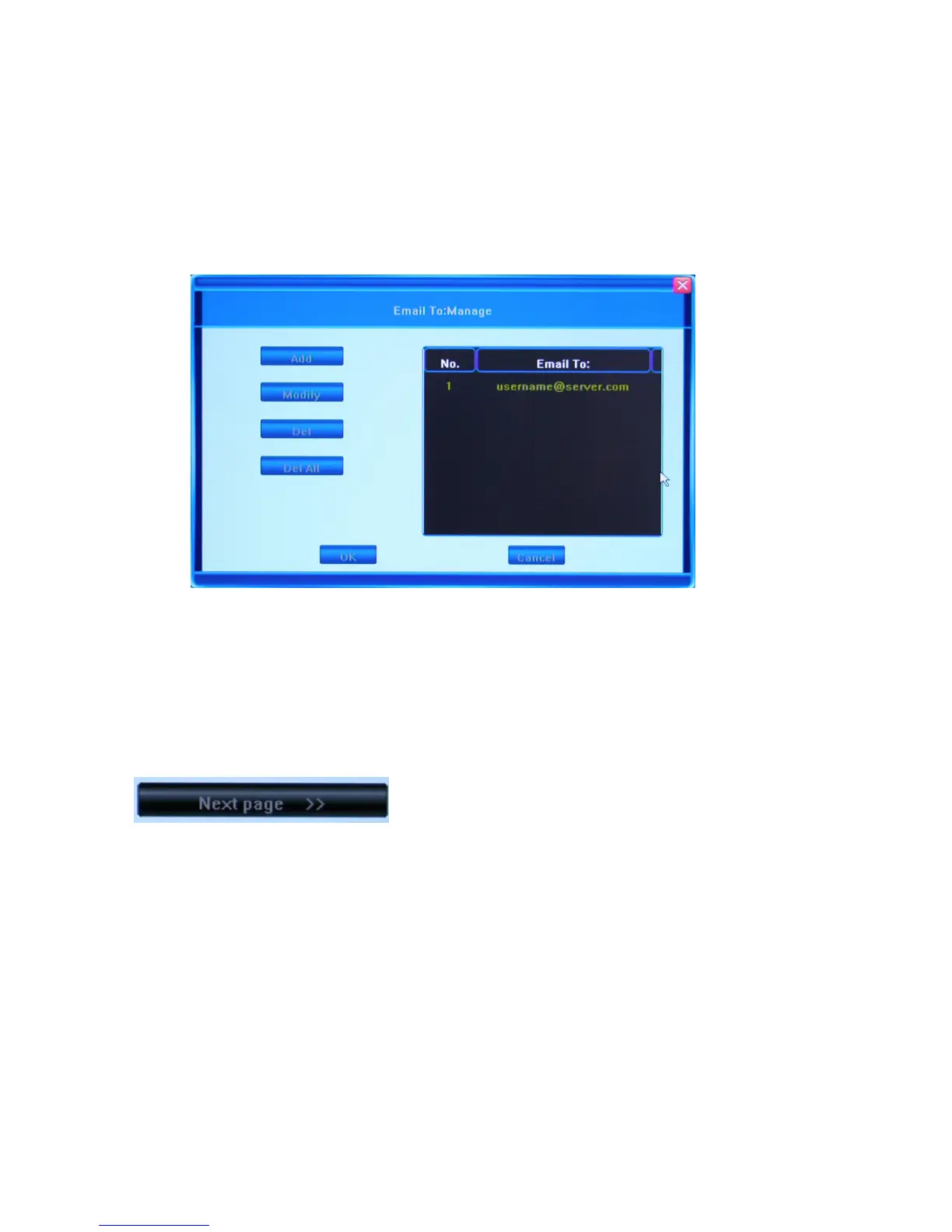
The Object Address (TO) field indicates the recipients of alarm emails, and the Revert
Address (FROM) field indicates the email account from which the message will be sent. In
the Object Address field, you can indicate multiple addresses by adding them to the list of
recipients. To do so, press the Add button. You can Manage the list of recipients in the
Object Address Manage window which will appear on the screen after pressing the
Manage button.
You wi l l be abl e to see the l i st of re c i p i e n t s in th e table on t he ri ght , an d a n u m b e r of button s
to manage this list on the left. The options for managing the list are: Add, Modify, Delete
and Delete All. To save the changes click OK, to exit the window without saving, click
Cancel.
Click Next Page to go the first page of the Net Tab.



 To Next Page