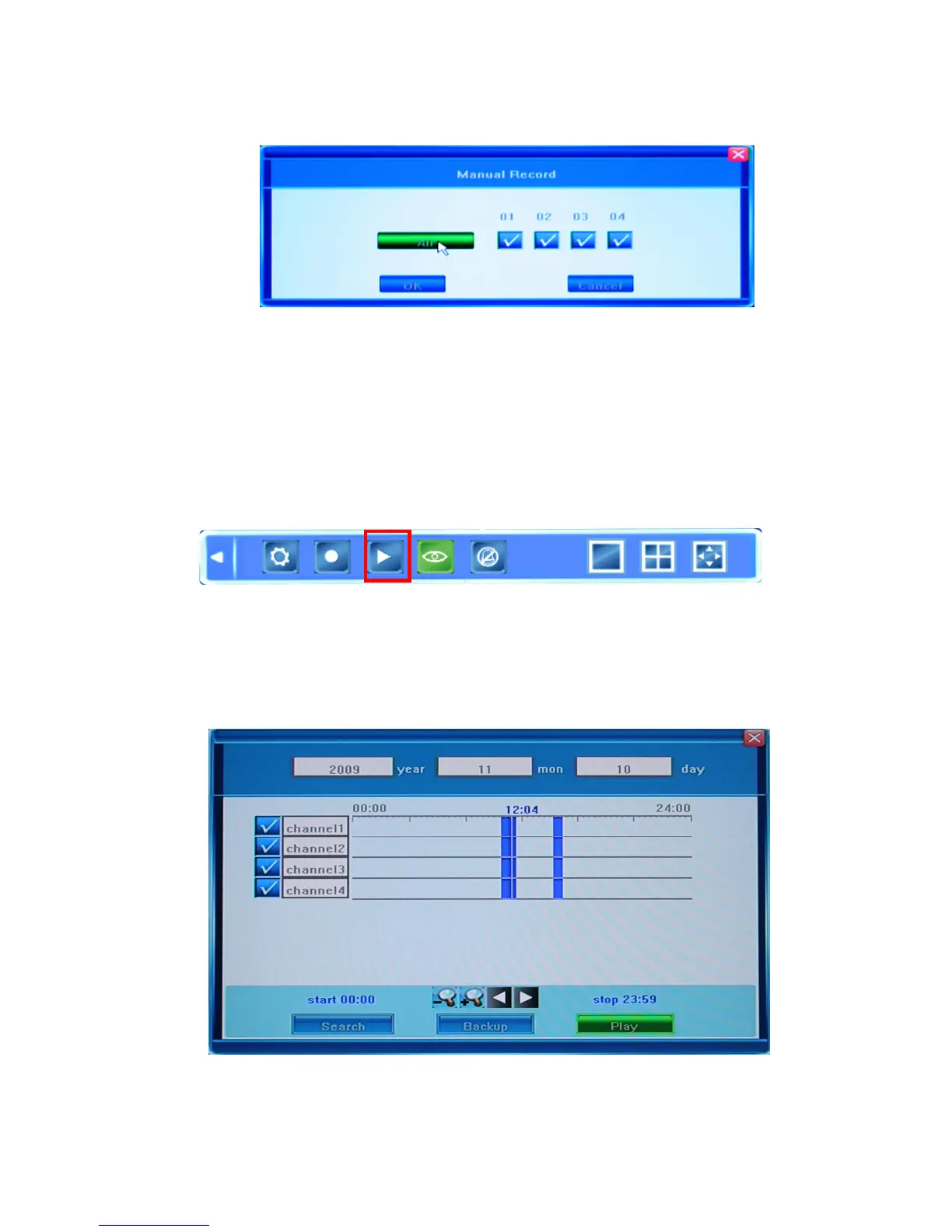
The following dialog window will appear on the screen:
You can selec t th e chann els yo u wi s h to rec o r d individuall y or you can choose t o ha ve them
all recorded simultaneously. Press OK to confirm, or press Cancel to undo your choice.
4.2.3 Video Playback
To play the recorded video, press the Record Search button in the Tool Bar in order to
select the date/time and channel you wish to view.
Pressing this button will bring up a dialog window in which you can select the recording
which you can playback or backup. Each of these options is described below.
Selecting the time frame you wish to playback



 To Next Page