4. Getting Started and the Main Screen
Switch on your DVR and wait for the system program to load. If you have not yet installed
any hard disk drive into the device, a buzzer will sound and the “No Hard Disk” message
will appear on the screen.
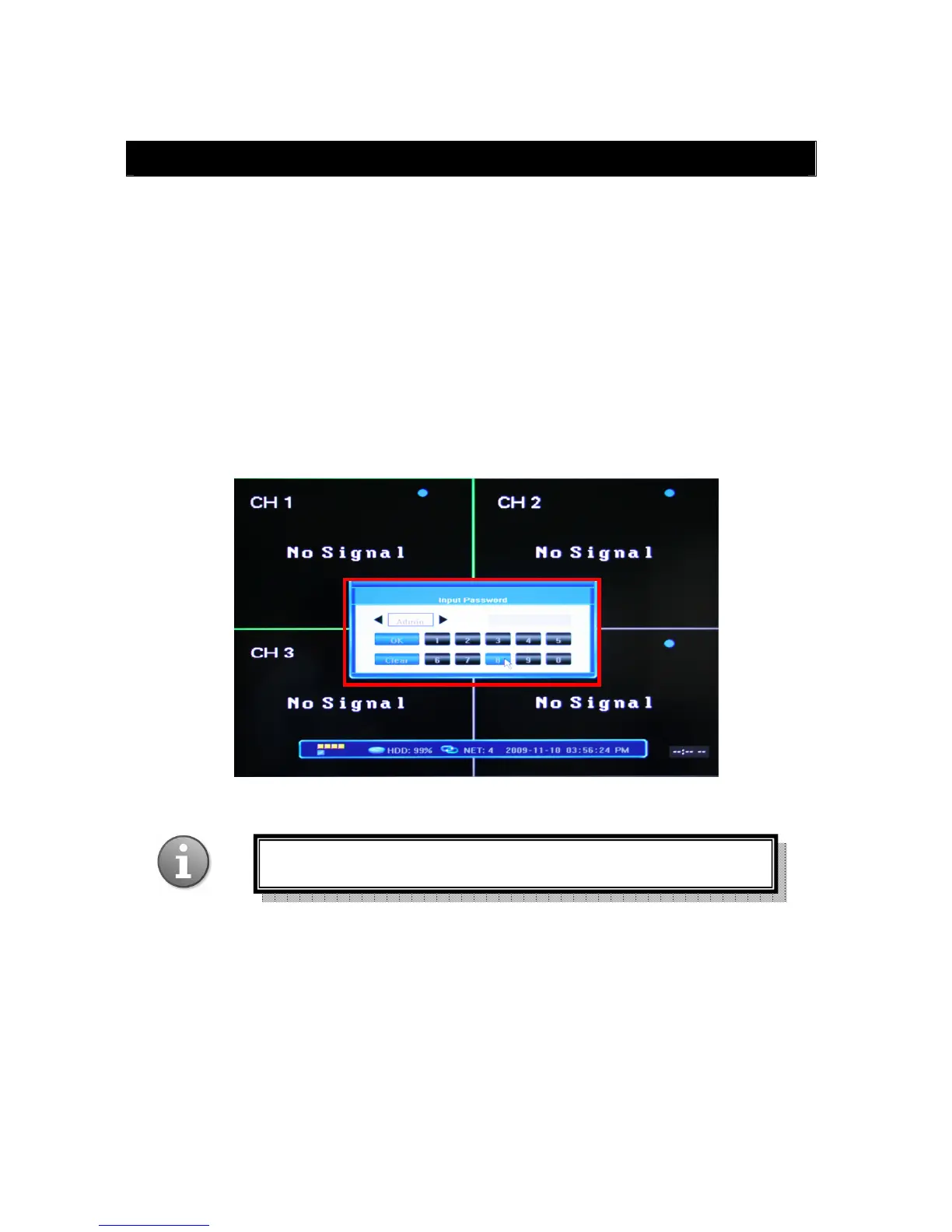
When you enter the system you will be asked to log in. Select your user account and enter
the password in order to operate the device. You can choose user accounts by clicking arrow
buttons on both sides of the account field (or using arrow keys on your remote control), and
enter the password using the numerical keypad in the lower part of the “Input Password”
screen. Press OK to confirm or Cancel to clear the field and enter another value.
By default the system has two users: Admin and User with preset passwords. The Admin
account allows you to change critical system settings.
You c an alw a ys c h an ge you r p assword in the S ystem Set tings o f t h e S ystem Configuration
Menu (see Section 5.2.7 Password Setting).
The default password for Admin is “888888”, for User: “666666”



 To Next Page