OK confirm the adjusted position
Cancel cancel the introduced position changes
4.3 Channel Status Display
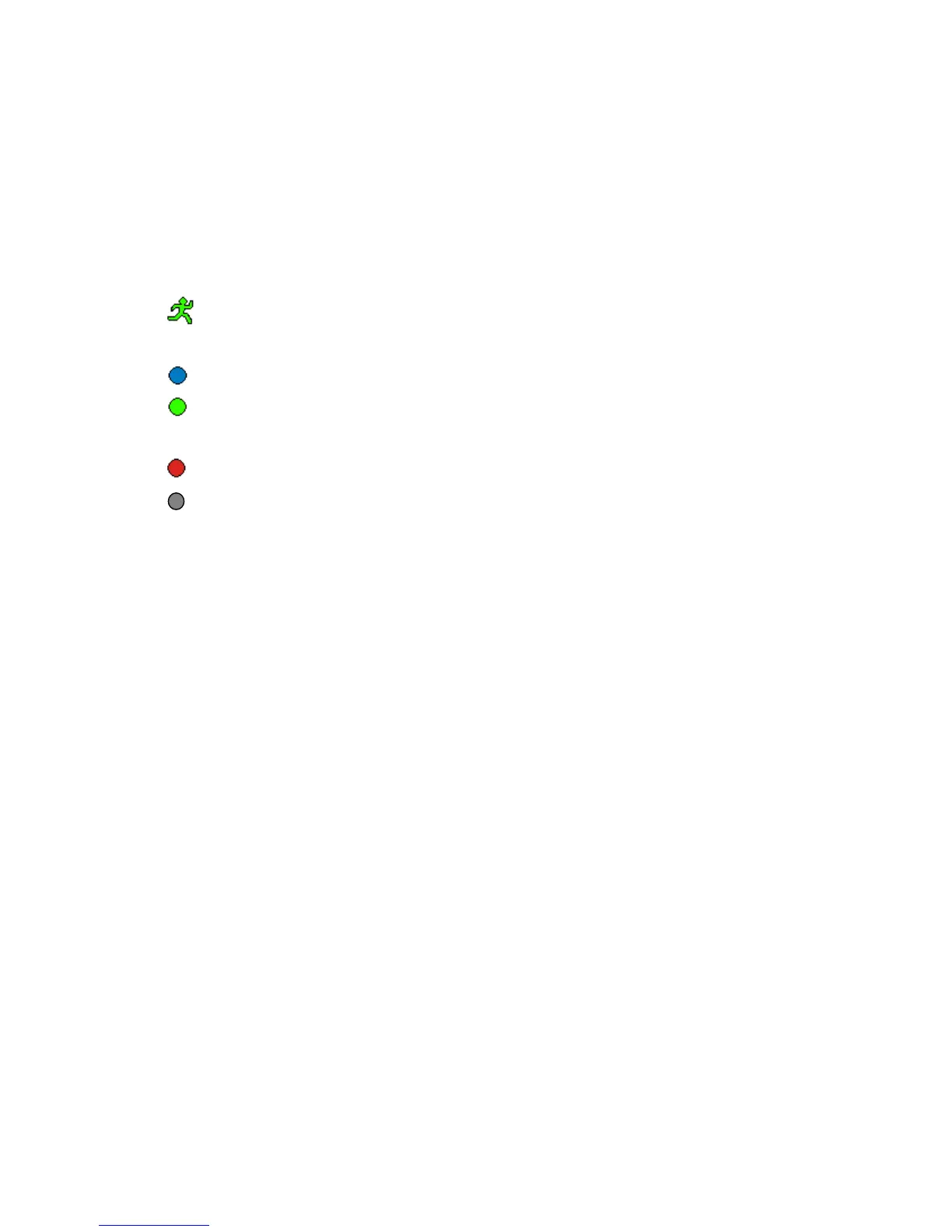
The top right corner of each channel image features the following status icons:
Icon indicates that the channel has detected motion in the motion detection
mode.
Blue dot indicates that the channel is in the scheduled recording mode.
Green dot indicates that the channel is in the mode of motion detection
triggered recording
Red dot indicates that the channel is in the mode of alarm triggered recording
Grey dot indicates that the channel is running in the manual recording mode.



 To Next Page