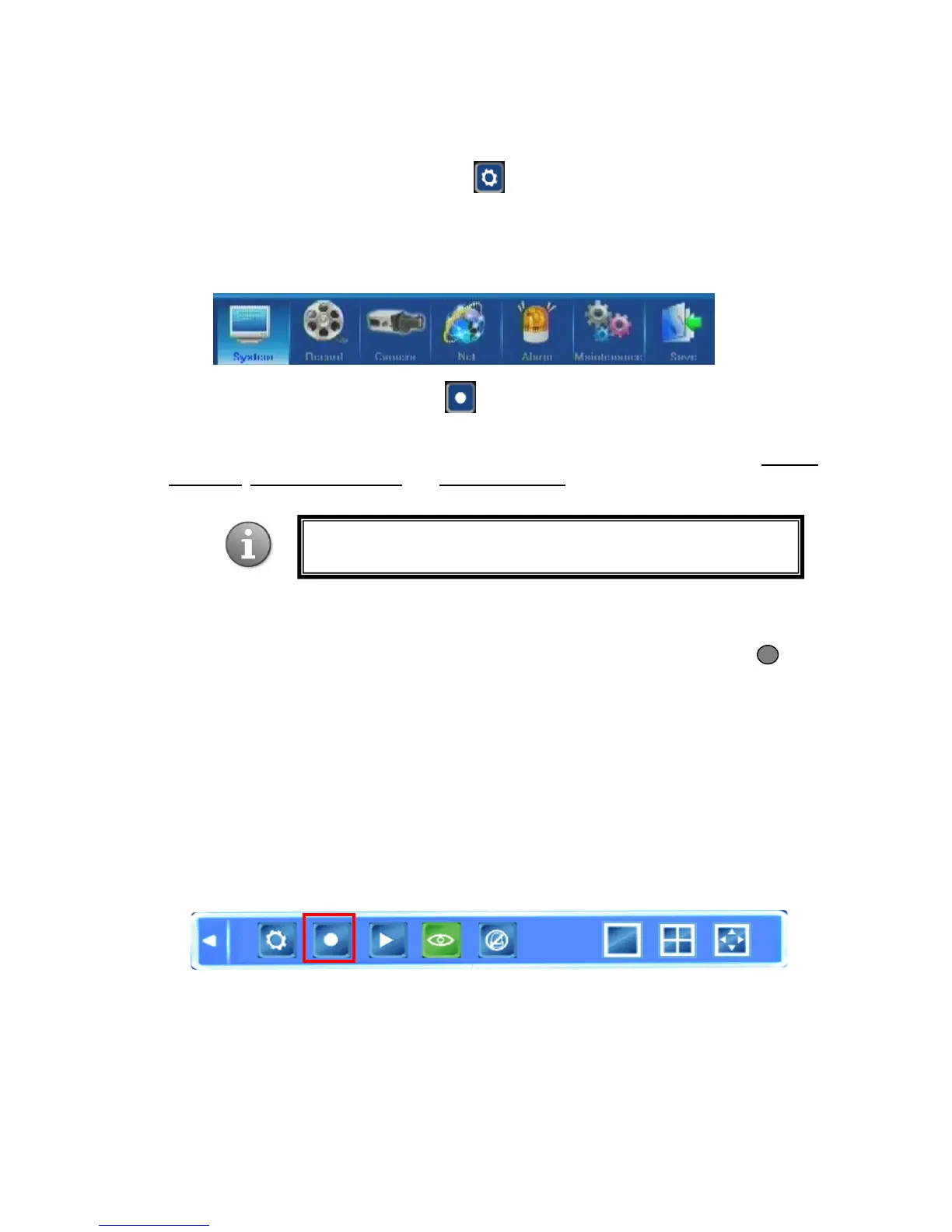
4.2 Tool Bar Menu Options
4.2.1 System Configuration
Pressing this button will bring up a screen for setting up all system configurations. You can
adjust such settings as System, Record, Camera, Net, Alarm, Maintenance and Save.
Please refer to Section 5. DVR Settings for the detailed description of these settings.
4.2.2 Manual Recording
There are three ways of recording live video/audio feed from your cameras: manual
recording, scheduled recording, and alarm recording.
If the recording schedule is in conflict with manual recording, the manual recording will be
processed first until stopped. Recording modes are displayed in the top right corner of the
respective screen. Manual recording mode is indicated onscreen with the grey icon .
For color indication of other recoding modes see Section 4.3 Channel Status Display.
For detailed description of scheduled and alarm recording see Section 5.3 Record Settings.
Description of the manual recording function follows.
In order to record a video/audio feed, please select the Manual Record button in the Tool
Menu. Alternatively you can use the REC button on the remote or the front panel. Pressing
this button again will stop the recording process.



 To Next Page