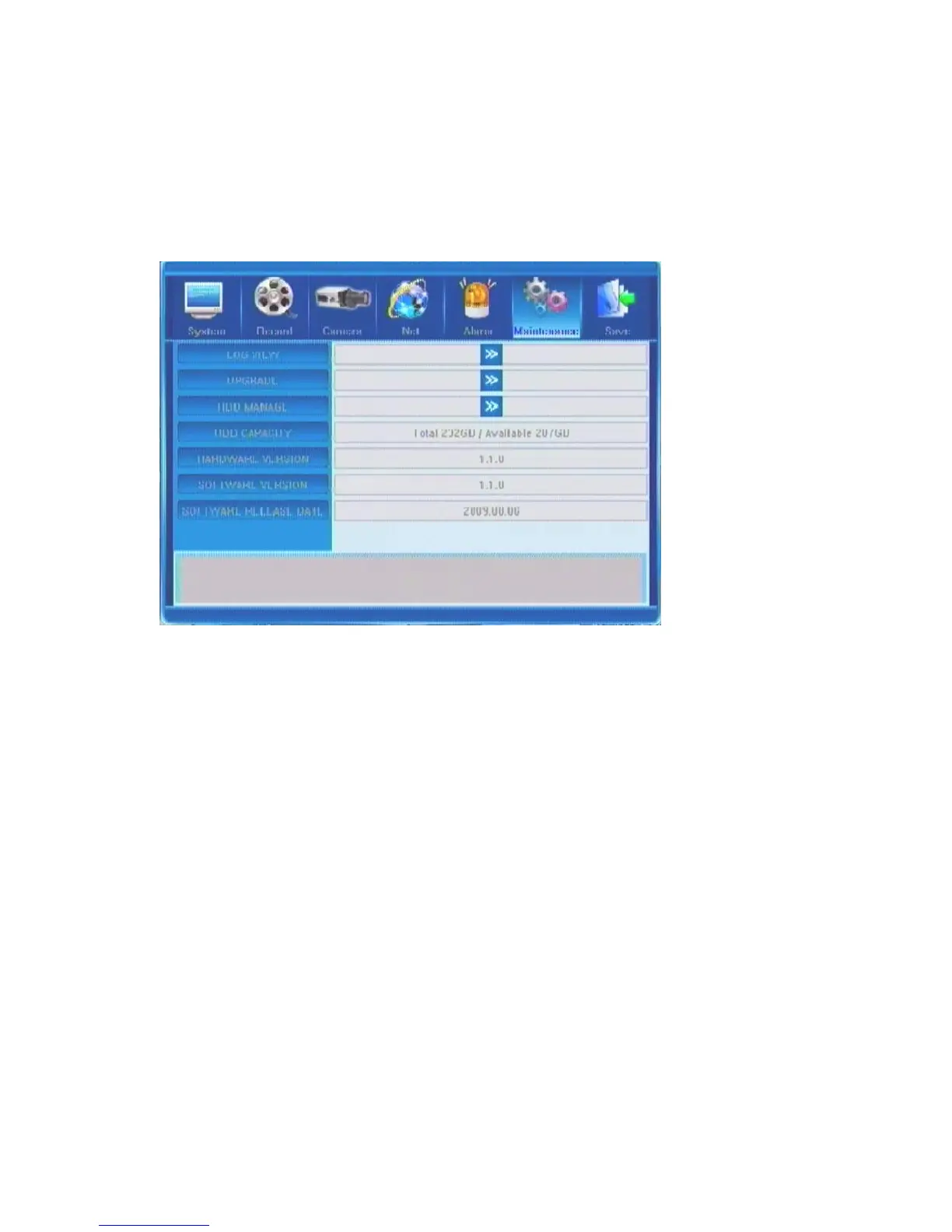
5.7 Maintenance
Information contained under this tab lets you view system and event logs, versions of software
and hardware and work with the HDD settings.
5.7.1 Log View
Clicking on the [>>] button will bring up the log window. In the Type field, you can choose
the features of a log you wish to see. The choice can be made among four options: All /
Operation / Exception / Alarm. After that please indicate the time frame within which
you’d like to observe the log (Search Time field). The first value is start time, the second
value is end time.
After that press the Search button and you will see the desired logs in the table below (it
may take several minutes to populate the list depending on the size and number of logs). The
first column will display the start time of an event in the YYYYMMDD HHMMSS format,
and the second column will list the description of the events.
If you have more log entries that cannot fit in one screen, you can move between screens by
using buttons Previous and Next located at the bottom of the window.



 To Next Page