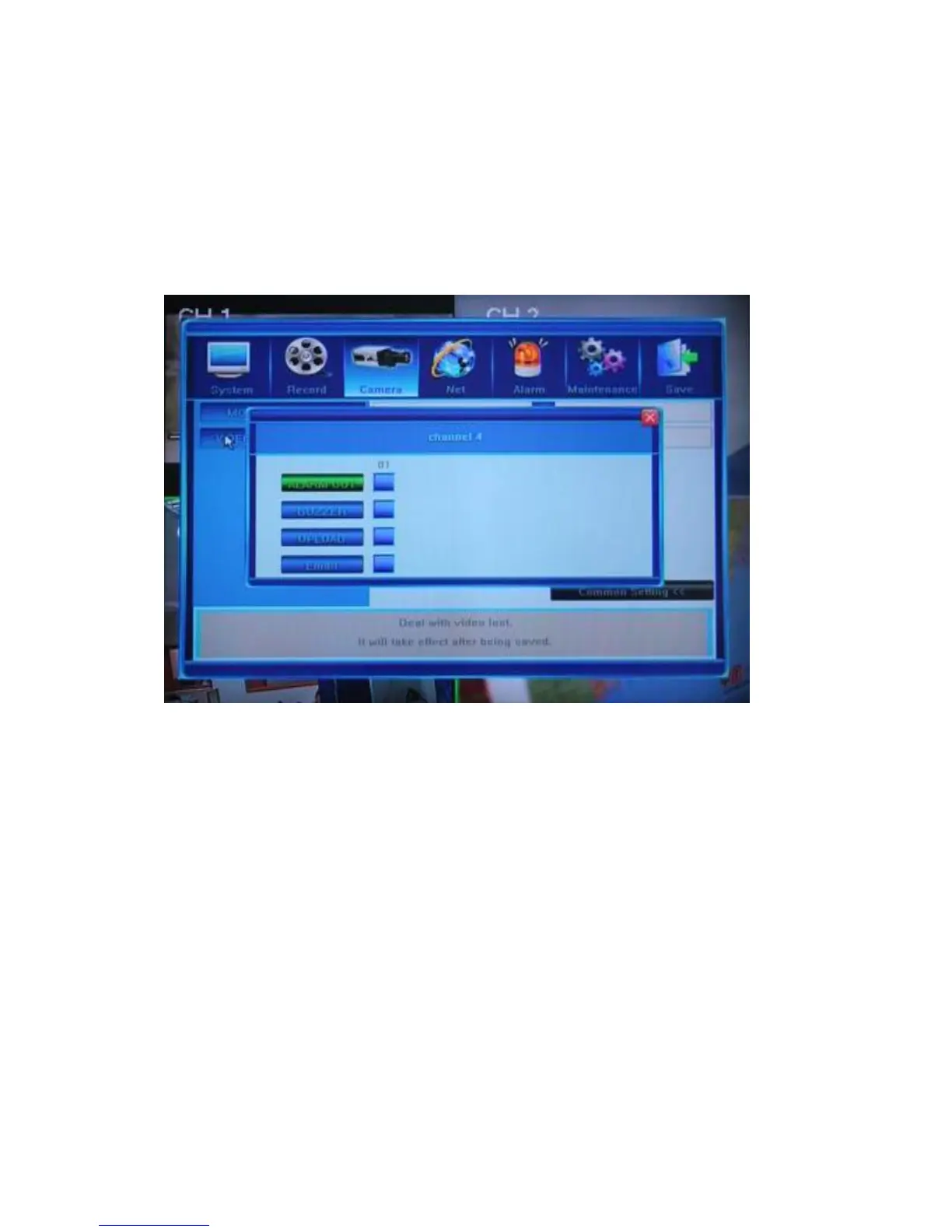
5.4.9 Video Loss Handling
The Camera Advanced Setting Video Loss Handling [>>] button will bring up the
dialog window where you can define the behavior of the DVR if the signal from a camera is lost.
Channel number will be displayed at the top of the screen.
There are four available options.
ALARM OUT: Checking this option will enable the Alarm Output when video loss is
detected.
BUZZER: Checking this option will enable the internal buzzer when video loss is
detected.
UPLOAD: If you have established a remote connection between the DVR and a PC
via the internet, and you check the UPLOAD checkbox, then on
detecting video loss, the DVR will send a relevant message to the IE
applet.
E-MAIL: After you check this option, a video loss event will initiate an e-mail
being sent to the indicated address/es with a snapshot of that event as it
was captured on the camera (see Section 5.5.12 Email Settings for
information on how to set up the list of email addresses).



 To Next Page