EasyManua.ls Logo

Konig SEC-DVRMON30 - User Manual

Konig SEC-DVRMON30
101 pages
Print Icon
To Next Page IconTo Next Page
Loading...
ENGLISH
MANUAL
SEC-DVRMON30
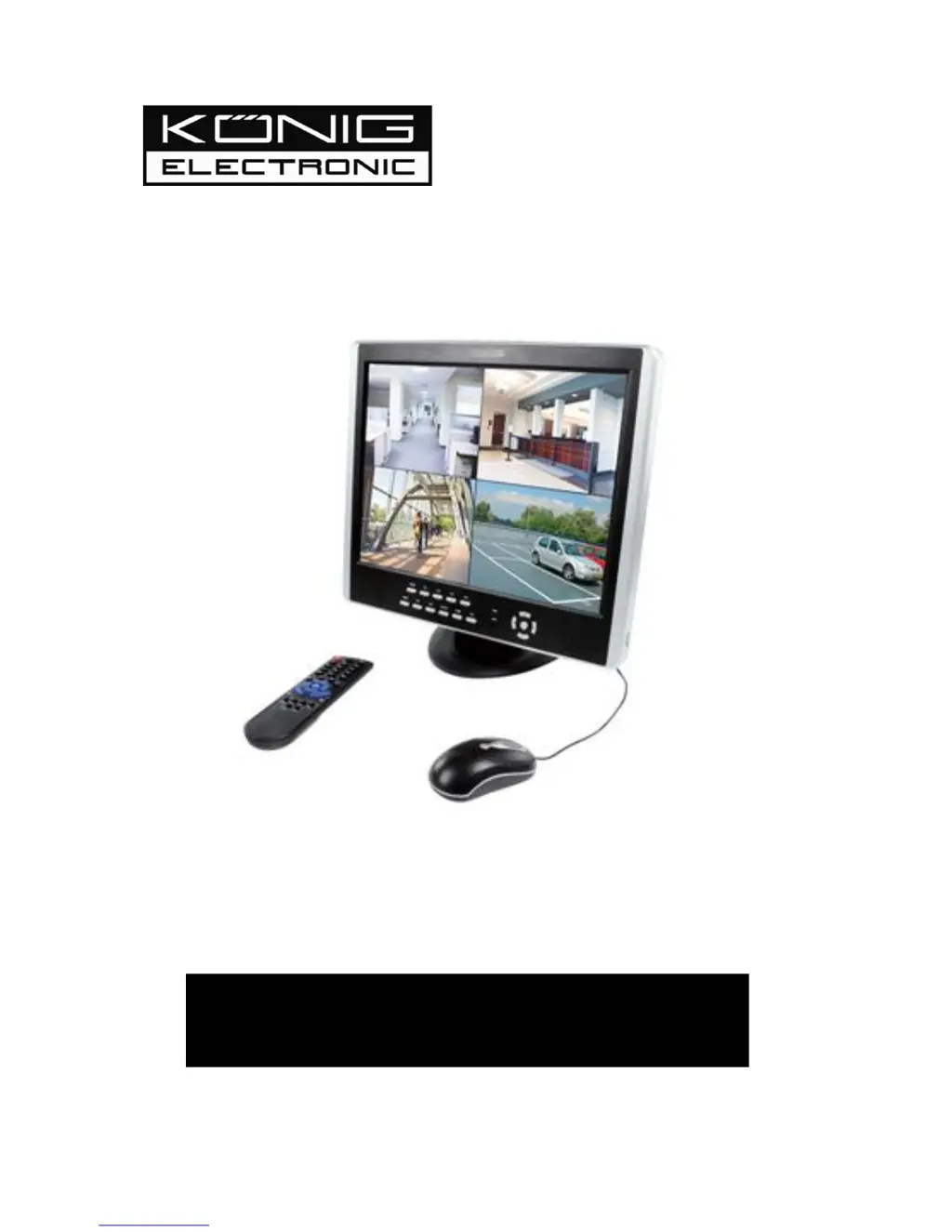
15" Monitor with DVR

Table of Contents

Questions and Answers

  • D
    Dr. Sandra Moore DDSSep 12, 2025
    What to do if Konig SEC-DVRMON30 DVR updating operation fails?
    • H
      Hannah WhiteSep 12, 2025
      If the updating operation fails on your Konig DVR, test more than one USB storage device to ensure compatibility. If the USB port doesn't work well due to voltage fluctuation, please contact a qualified technician.
  • R
    Robert WaltersSep 13, 2025
    Why is there a mosaic on the PC monitor during Konig SEC-DVRMON30 playback?
    • I
      Ian LiSep 13, 2025
      A mosaic on the PC monitor during Konig DVR playback can occur if the recording parameters are set too low, which declines the recording quality. Also, damaged sections on the hard disks can cause mosaics during playback.
  • R
    Rachel TaylorSep 15, 2025
    Why does the Konig SEC-DVRMON30 image distort on my computer display?
    • P
      Pamela HaleySep 15, 2025
      If the Konig DVR image distorts, flickers, and has color casts when viewed on the computer display, ensure that the VGA connecting line is properly grounded. Also, be aware that a high working ambient temperature or radiation from the host computer may cause interference with the normal operation of the VGA display.

Summary

Contents of the Box

Getting Started Checklist

Check all relevant connections are done correctly before starting to work with the DVR.

Hardware

Hardware Installation Guide

Provides instructions for basic connections and hardware setup, including HDD and PTZ.

Getting Started and Main Screen

DVR Settings

System Settings Configuration

Covers general system settings including language, video standard, resolution, and time.

Record Setting Configuration

Details settings for recording quality, frame rate, source, OSD, and sub-code.

Network Settings Configuration

Covers network preferences for remote access, including IP, ports, PPPoE, DNS, and DDNS.

Web Browser Operation

Mobile Phone Support

Troubleshooting

Troubleshooting: Device Power Issues

Steps to resolve issues where the DVR fails to start after being connected to power.

Konig SEC-DVRMON30 Specifications

General IconGeneral
BrandKonig
ModelSEC-DVRMON30
CategoryDVR
LanguageEnglish

Related product manuals