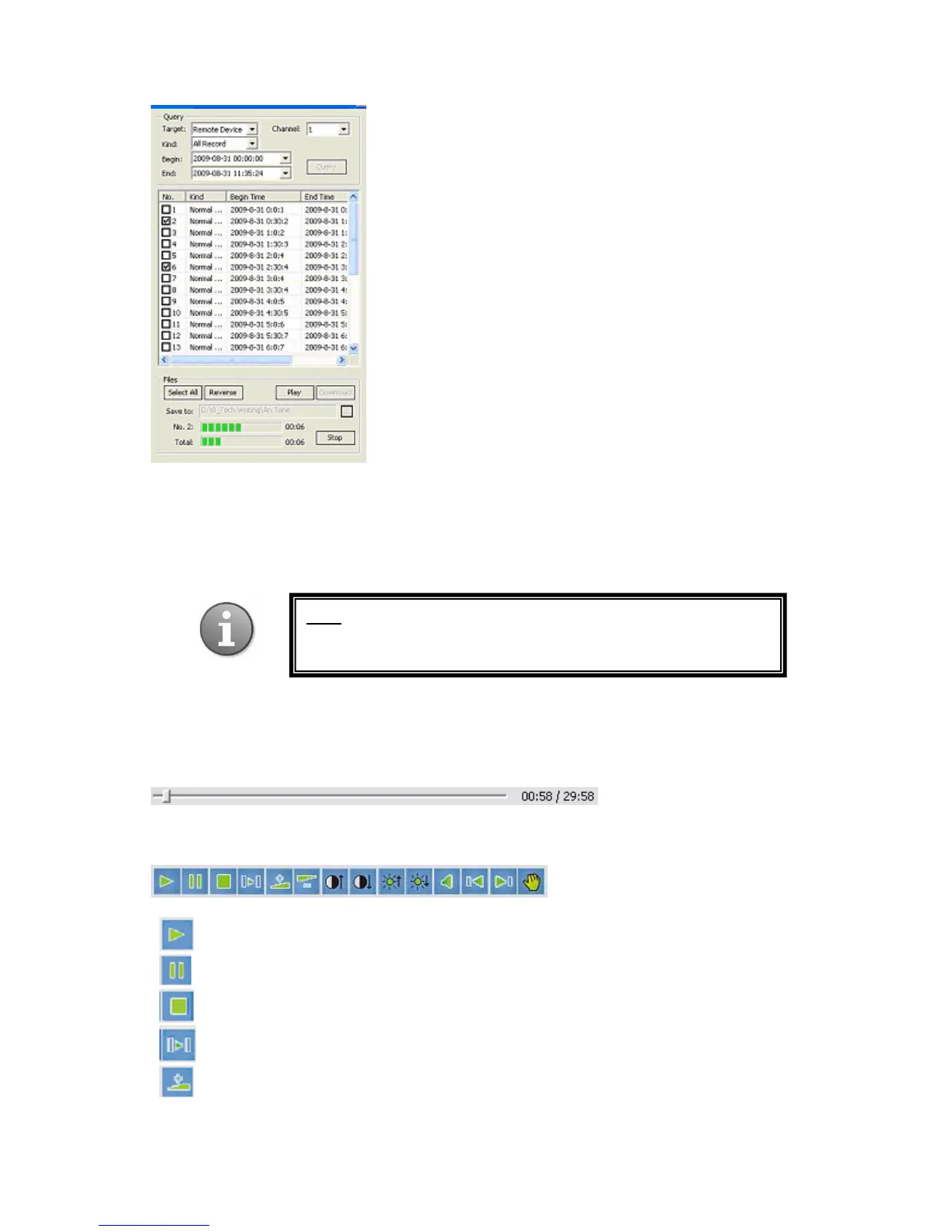
In the No. X progress bar, you will see the download process for the file currently being saved
(its number as it appears on the list will be shown to the left of the bar, and the time elapsed
will be displayed on the right). The Total progress bar shows the overall download process if
you are saving more than one file. To stop the download process, press the Stop button.
After you press the Play button as described above, the selected files will be played in order
on the screen located in the left half of the window. Directly under the screen there is the time
line showing the elapsed time and the total time of the file.
Under the time line, there is the menu bar for controlling the playback of the selected files.
Play
Pause
Stop
Frame by frame step (to resume press Play)
Fast Forward (options include: Normal 2X 4X 8X 16X in this order.
You cannot directly go back to Normal from 16X, in order to gradually go down in
: For information on how to play downloaded video files by
Windows Media Player please refer to subsection Playback
Video on PC in Section 4.2.4 Video Backup



 To Next Page