You can se l ect re co r d ed files de p e ndi ng on their sp ecific Kind from a dropdown menu: All
Records, Normal Record, Triggered by Alarm and Motion Detection.
You m u s t also sel e c t t he star t t i m e and en d tim e of t h e rec o rdi n g you wish to see : use the two
dropdown menus Begin and End to indicate the relevant details by direct input. Format:
YYYY-MM-DD HH:MM:SS
After you enter all required details for the recorded files, please press the Query button. The
table below will be populated by the relevant entries (it may take a while depending on the
number of records and connection). The list features several columns:
No.: number of the files in order
Kind: description of the file (Normal Record, Alarm-Triggered, Motion Detection)
Begin Time: the time when the event started
End Time: the time when the event finished
Size (KB): the size of the recorded file
In order to play a file, you need to select it by checking the box against it.
Alternatively you can select all files by pressing Select All button under the list of files, or
reverse the selection by pressing Reverse button.
Now you are able to play the selected files on the video screen to the left. Press Play button
under the list of files (description of the controls follows below).
To download the necessary files (if they are located on the remote device) select them on the
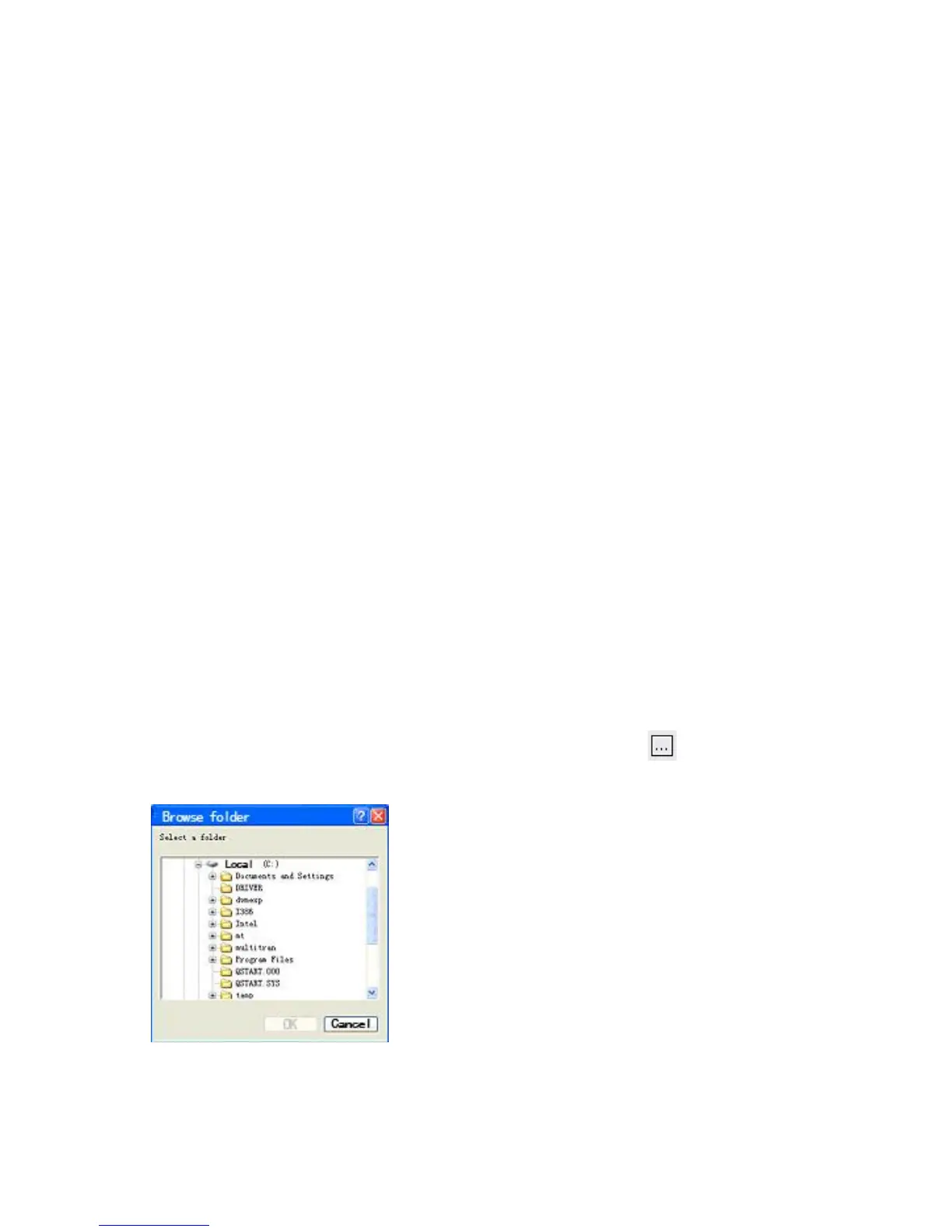
list and choose the destination in the Save To field by pressing the button. A standard
Windows Browse dialog will appear prompting you to choose the location.
Now you can press the Download button and the process of saving the selected files will
begin.



 To Next Page