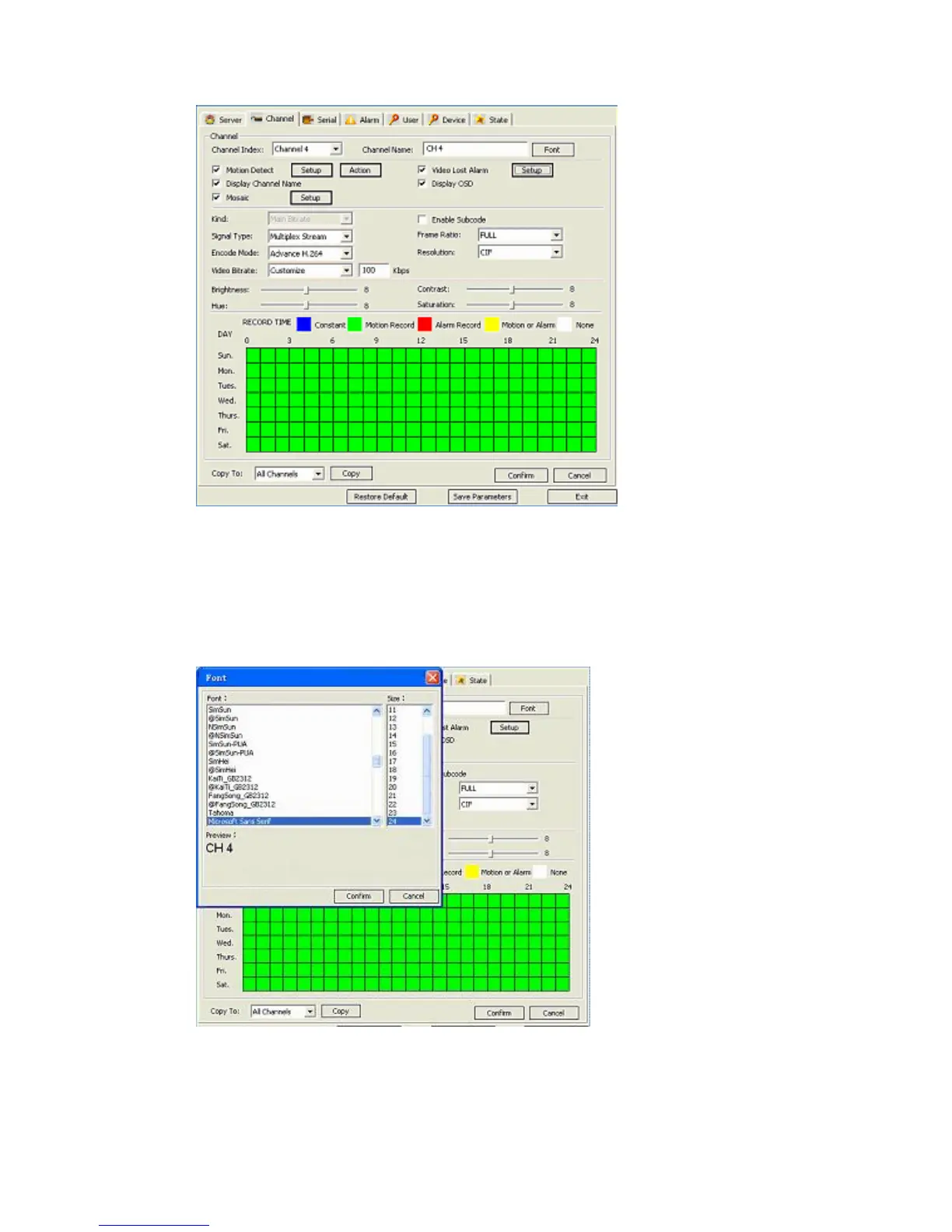
First of all you need to select the Channel whose settings you are going to review/change:
select the channel from the drop-down menu of the Channel Index option (a choice of
channels from 1 to 4 (9*) depending on the model).
Channel Name field lets you customize the name of the channel, ie “Front Door”, and
pressing the Font button brings up a dialog window allowing modification of the font size:
Activating the Motion Detect check box will initiate the motion detection feature of the DVR
for the selected camera. With the related buttons Setup and Action you can respectively adjust
the motion detection area and the alarm method.



 To Next Page