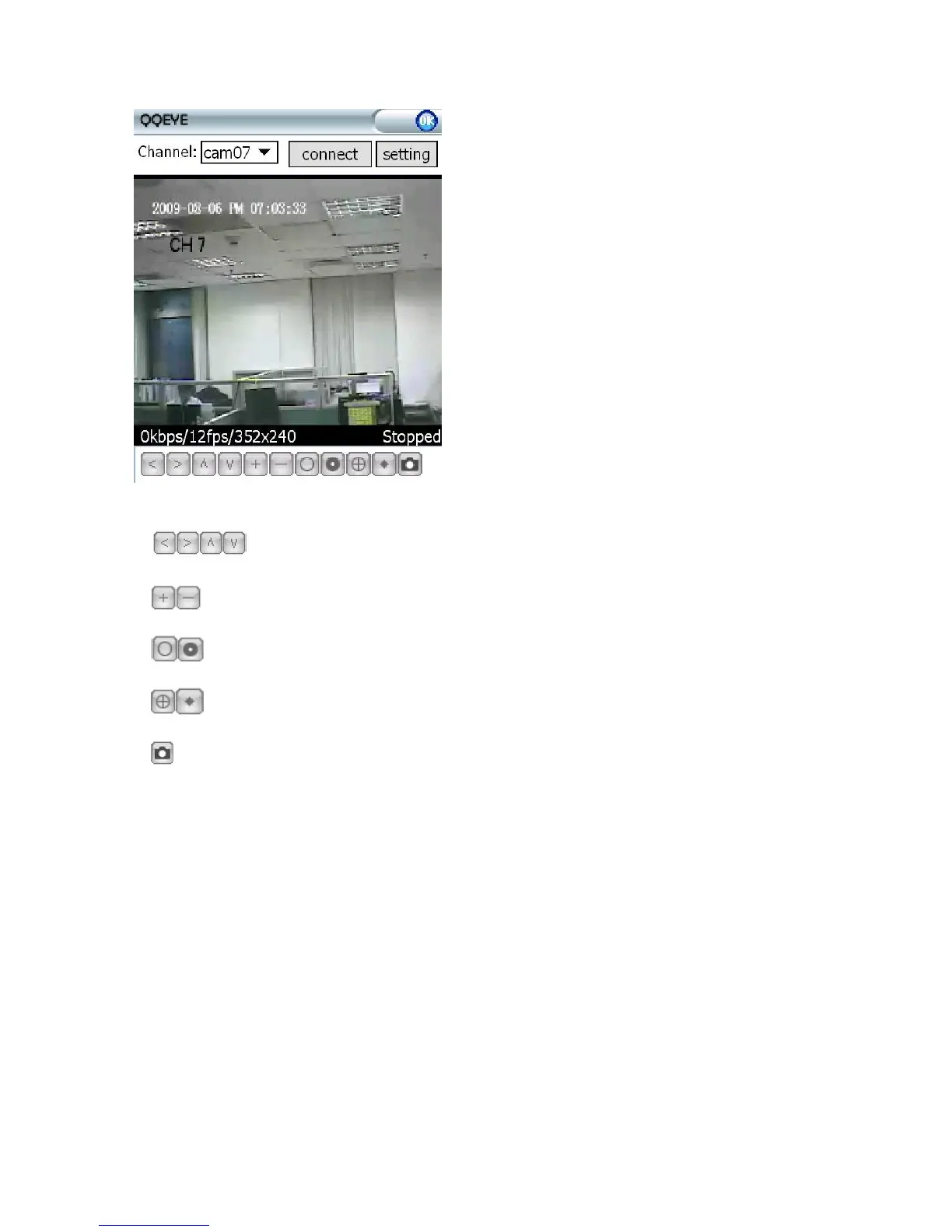
To connect to the system and start watching the
live feed from your CCTV cameras, click on the
Connect button.
To choose the camera, use the Channel dropdown
menu.
To modify settings, press the Setting button.
On-screen data will provide information about
current time (in the YYYY-MM-DD HH:MM:SS
format), Channel number, bit rate (Kbps), frame
rate (fps), resolution, and status of the camera.
The menu bar contains the following controls.
Directional buttons for controlling the direction of the PTZ camera view
Zoom in / out
Iris
Focus
Snapshot



 To Next Page