X - 27
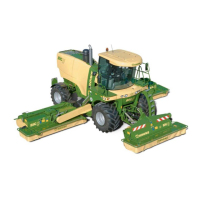
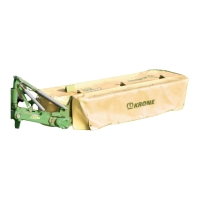
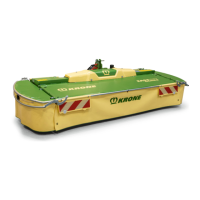
Mowers
Lock the mowing units against lowering
using appropriate securing chains.
Remove the hex. nuts from the bolts (1).
Undo the connecting bolts (2).
Carefully remove floor plate (3) to the rear.
Store floor plates, bolts and nuts at a secure place.
150
BM304100
1
Once the cross conveyor installed, the guard cloth (1) of
the right and left hand mowing unit must be cut off as
shown in the figure.
10.8.4 Engaging the auger montitoring mode
To engage the auger monitoring mode you must first
activate it as follows at the Infocenter:
Before switching on the ignition be sure
no persons are standing in the immedia-
te vicinity of the machine.
BMII-157
F1
F2
F3
F4
1
BMII-162
F1
F2
F3
F4
Set ignition key to position I or II.
Wait for the self test to run.
After the ignition has been switched on,
the start screen "Road Driving or Field
Operation" appears on the display.
Access the main menu by pressing the button (1).
Press F1 Settings.
Press F4 Next page.
Activate F1 Auger monitoring.


 To Next Page
 Loading...