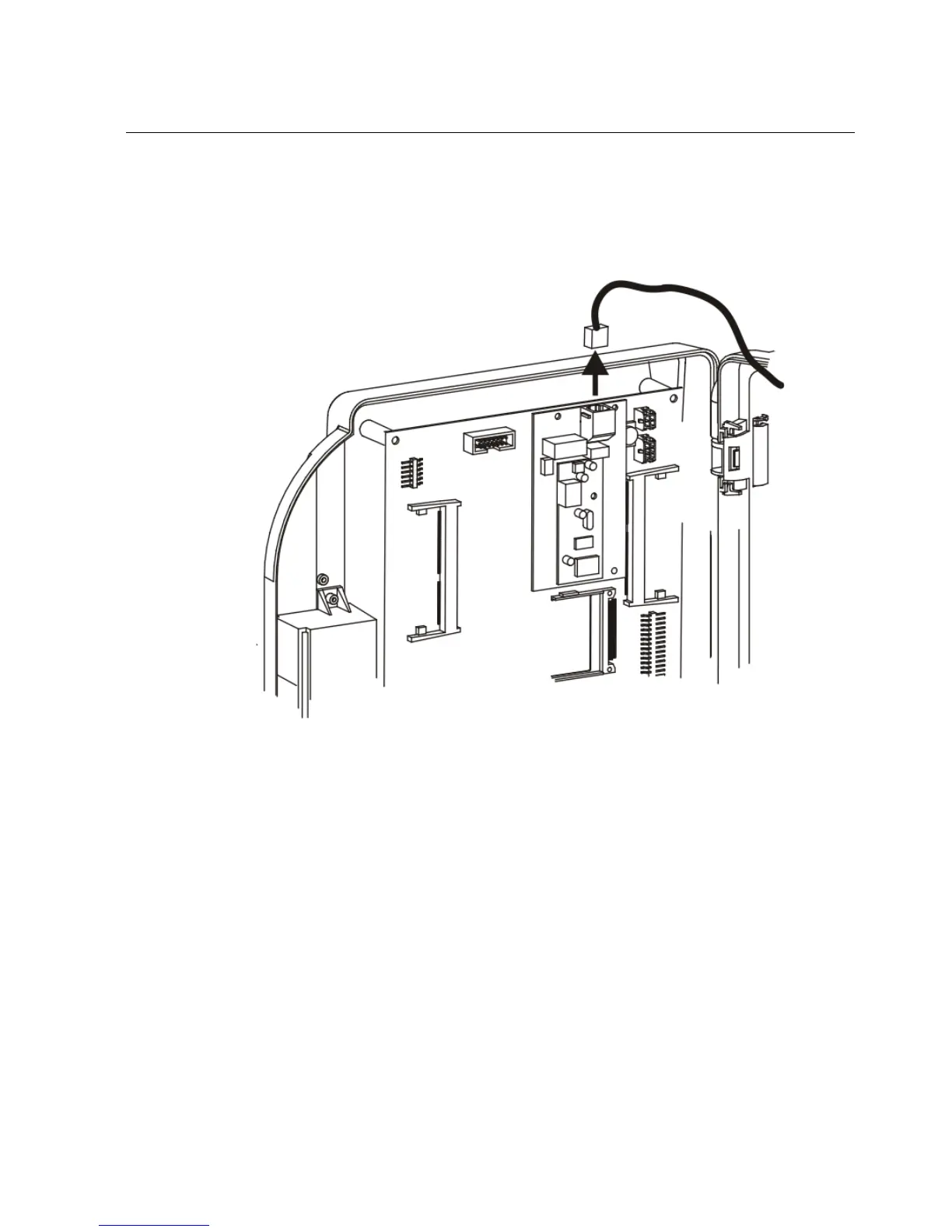
Step 2: Disconnect and remove the Series 4000 device
109
If the part number of the device is 8602800-xxx, use the following
illustration to locate the modem card in the inside cover. Then, disconnect
the telephone line from the modem card.
For devices that use Ethernet communication, disconnect the Ethernet cable
(1) from the connector (2) on the main board. Press the clip on the connector
and pull it down.



 To Next Page