Appendix B Open and Disconnect the InTouch
132
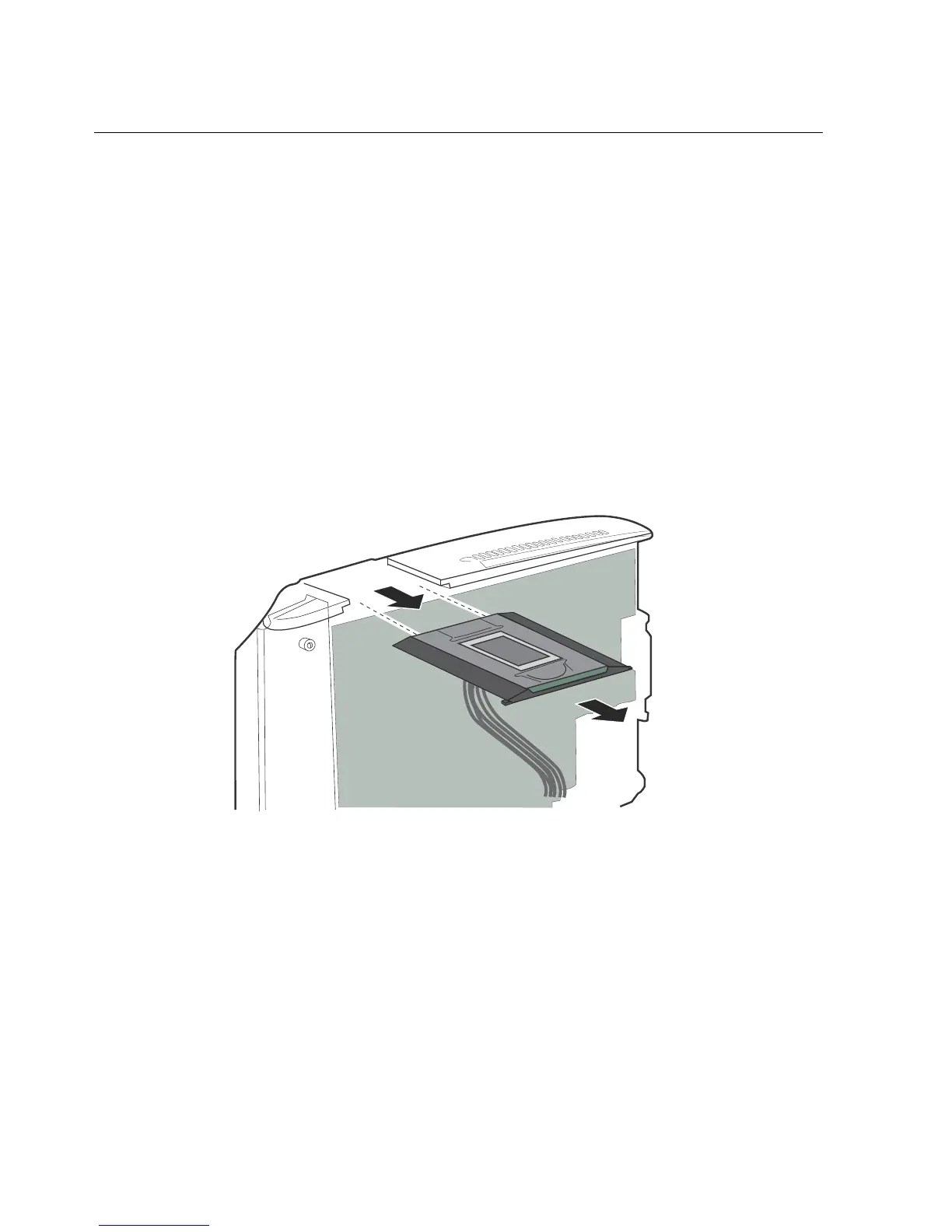
Step 6: Disconnect the finger scan device
If a finger scan option is installed, use the following steps to remove it (see the
appropriate section). You might not need to remove all components.
If you do not have the finger scan option installed, skip to “Step 7: Store the cover
in a protected area” on page 136.
Kronos Touch ID
1. Remove the finger scan plate from the unit.



 To Next Page