Chapter 2 Install the Standard Model InTouch
28
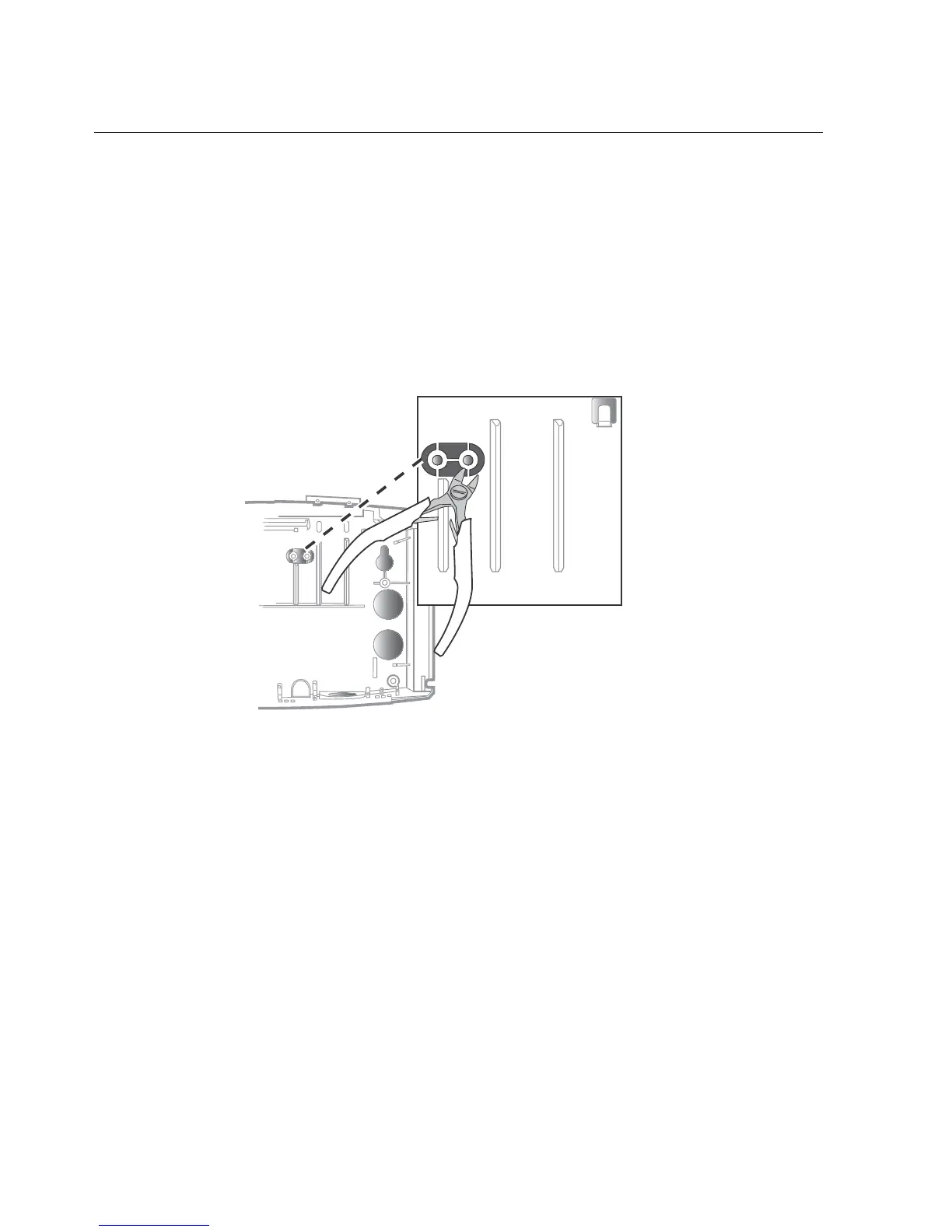
Step 2: (Optional) Widen the badge reader slot
If the badges that you will use with the InTouch are more than 0.05 in (1.27 mm)
thick, you need to install two spacers in the badge reader (for bar code or magnetic
stripe cards) to accommodate the badges. The spacers are molded into the base of
the InTouch.
1. Use a wire cutter to remove the spacers from the base.



 To Next Page