Appendix B Open and Disconnect the InTouch
128
Step 4: Disconnect cables from the main board
If you need to disconnect cables from the main board on the inside of the cover:|
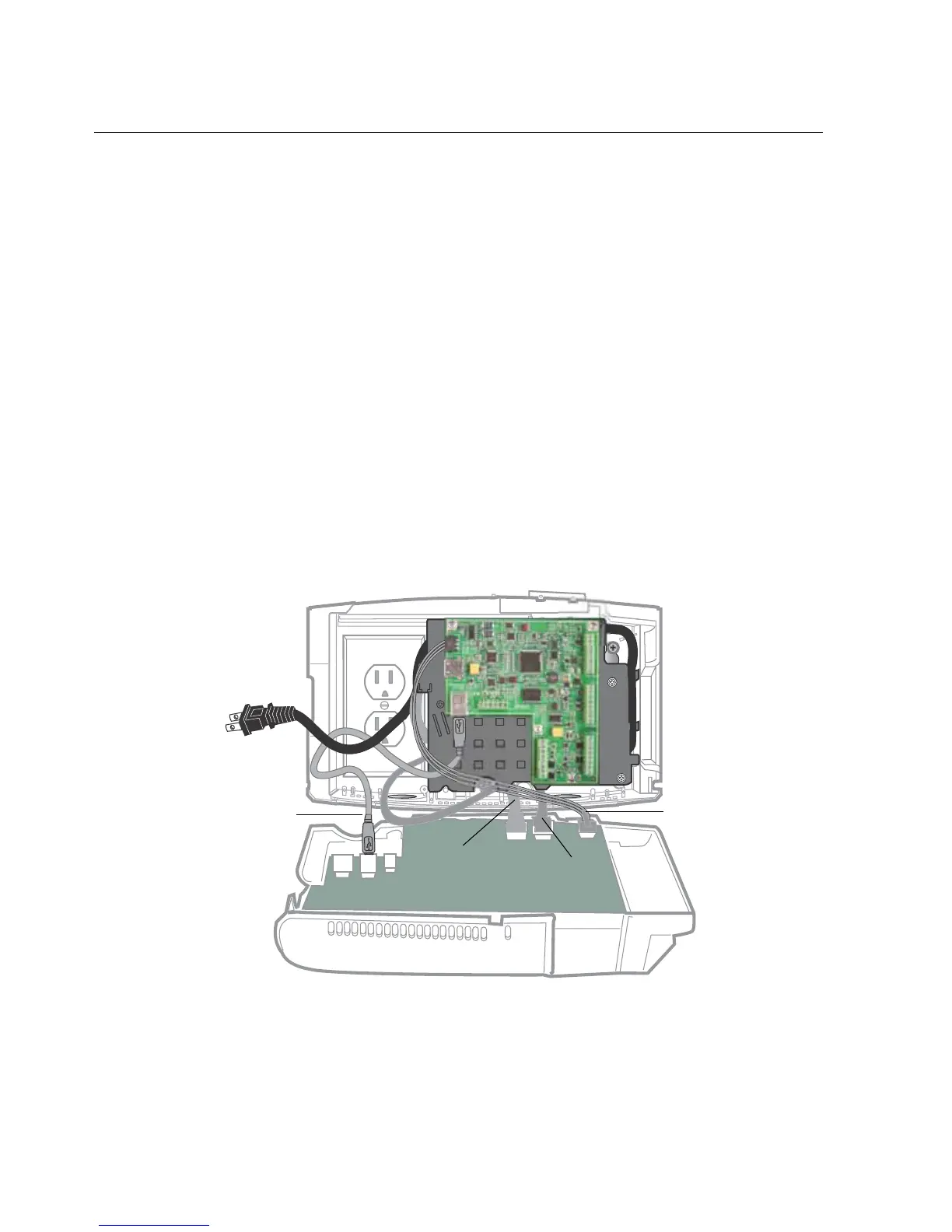
• Transformer, backup battery, and transition board (Standard model only) —
See “Example 1: Transition board cables” on page 128.
• Ethernet — See “Example 2: Ethernet cable” on page 129.
• Linear imager — Connected to standard USB port. See “Example 3: Linear
imager cable” on page 130.
Example 1: Transition board cables
This example shows the cables from the battery, transformer, and transition board
that you must disconnect from the main board



 To Next Page