11
Important notes
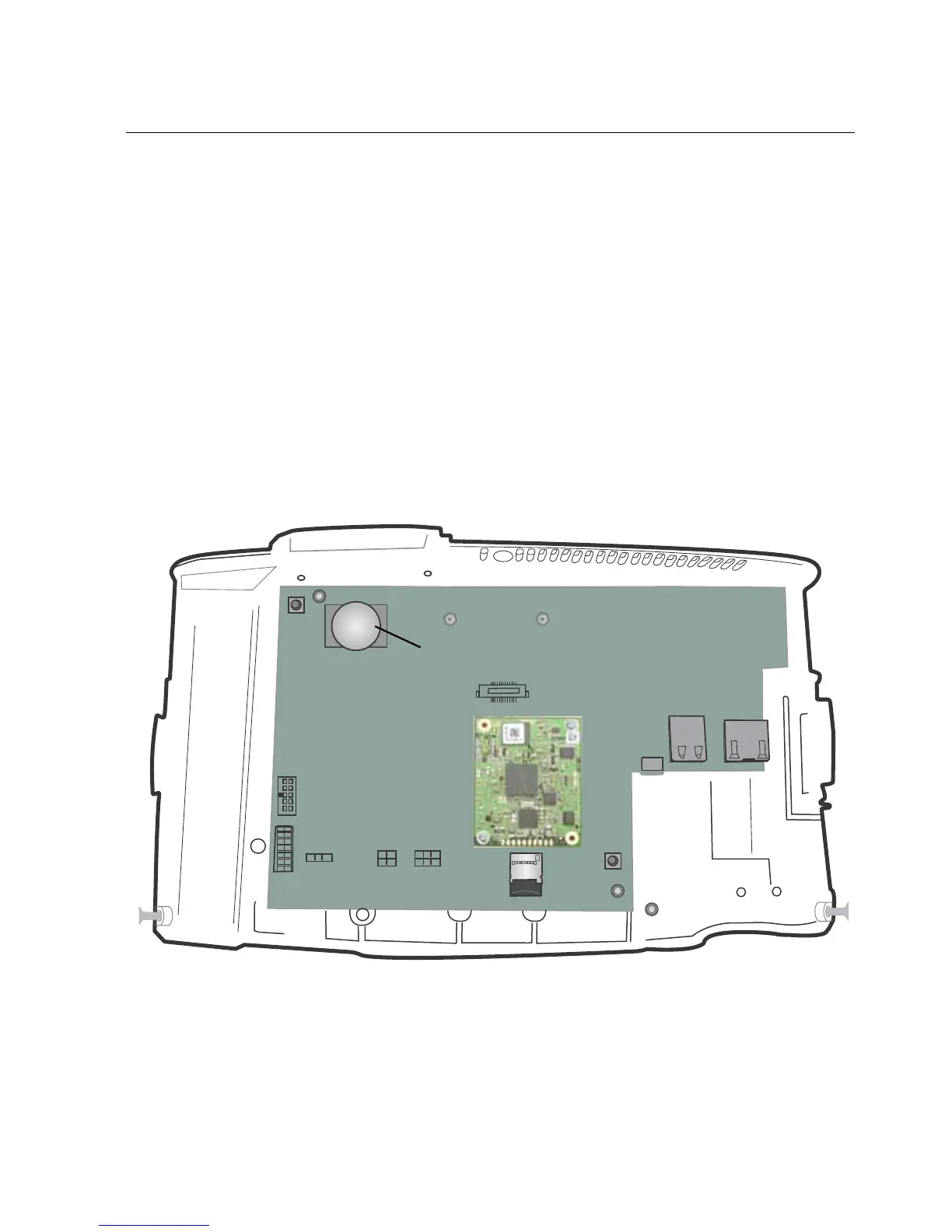
• To avoid damaging the main board, always wear an anti-static wrist strap
when touching the main board of the InTouch in any way, including
connecting and disconnecting wires.
• The application software for the InTouch resides on the microSD card within
the unit. Do not copy or alter the microSD card or your warranty will become
void.
• Do not remove the cover assembly from its anti-static packaging until you are
ready to install the InTouch.
• Do not remove the tape that covers the battery, unless you need to replace the
battery.
• Save the paper mounting template and any other printed documents.



 To Next Page