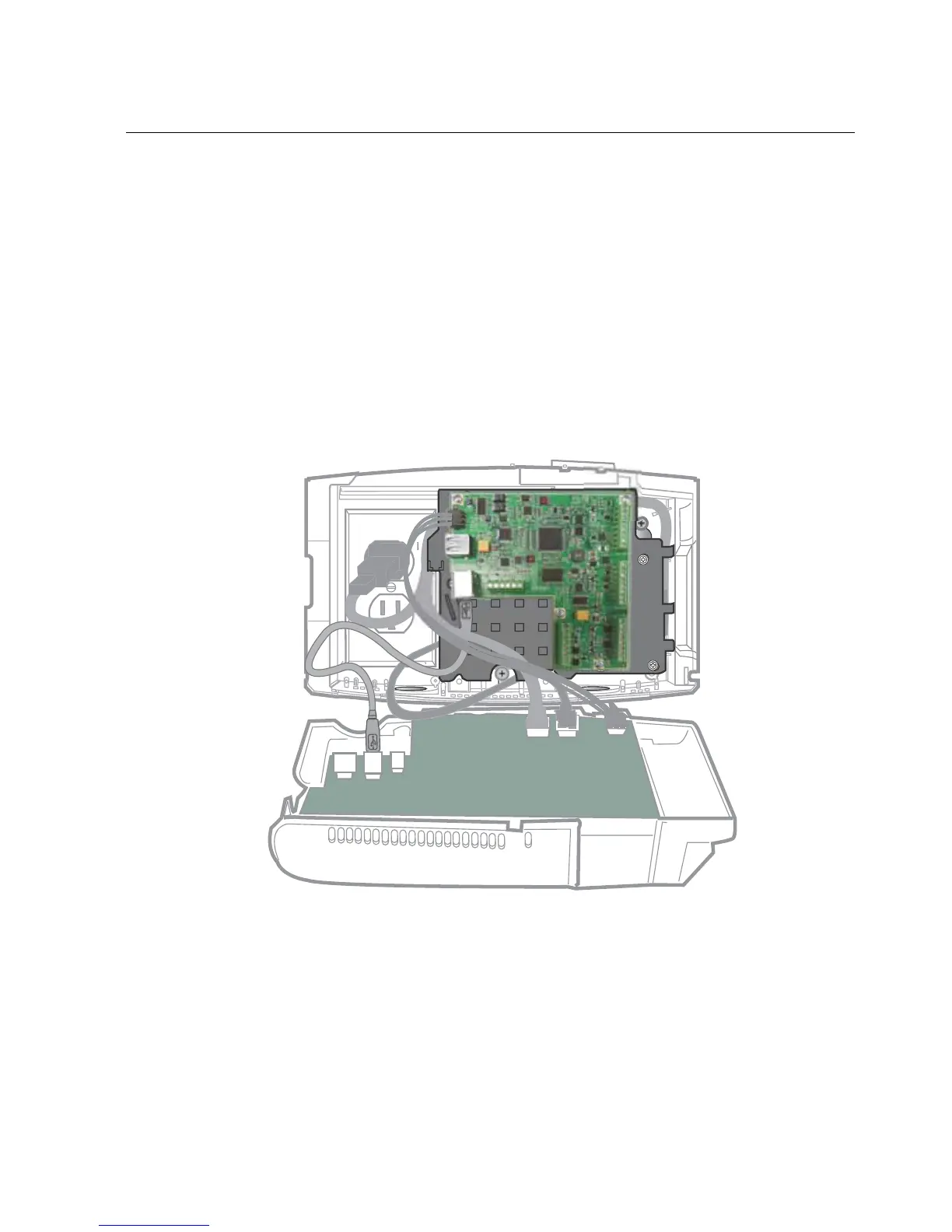
Step 11: Turn on the AC power to the device
55
Step 11: Turn on the AC power to the device
Note: If you are using Power-over-Ethernet (PoE) or PoE Plus, the system should
already be running.
1. Depending on your configuration:
– Plug the transformer into the external AC outlet
– Plug the transformer into the AC outlet over which the base is mounted.
For example:



 To Next Page