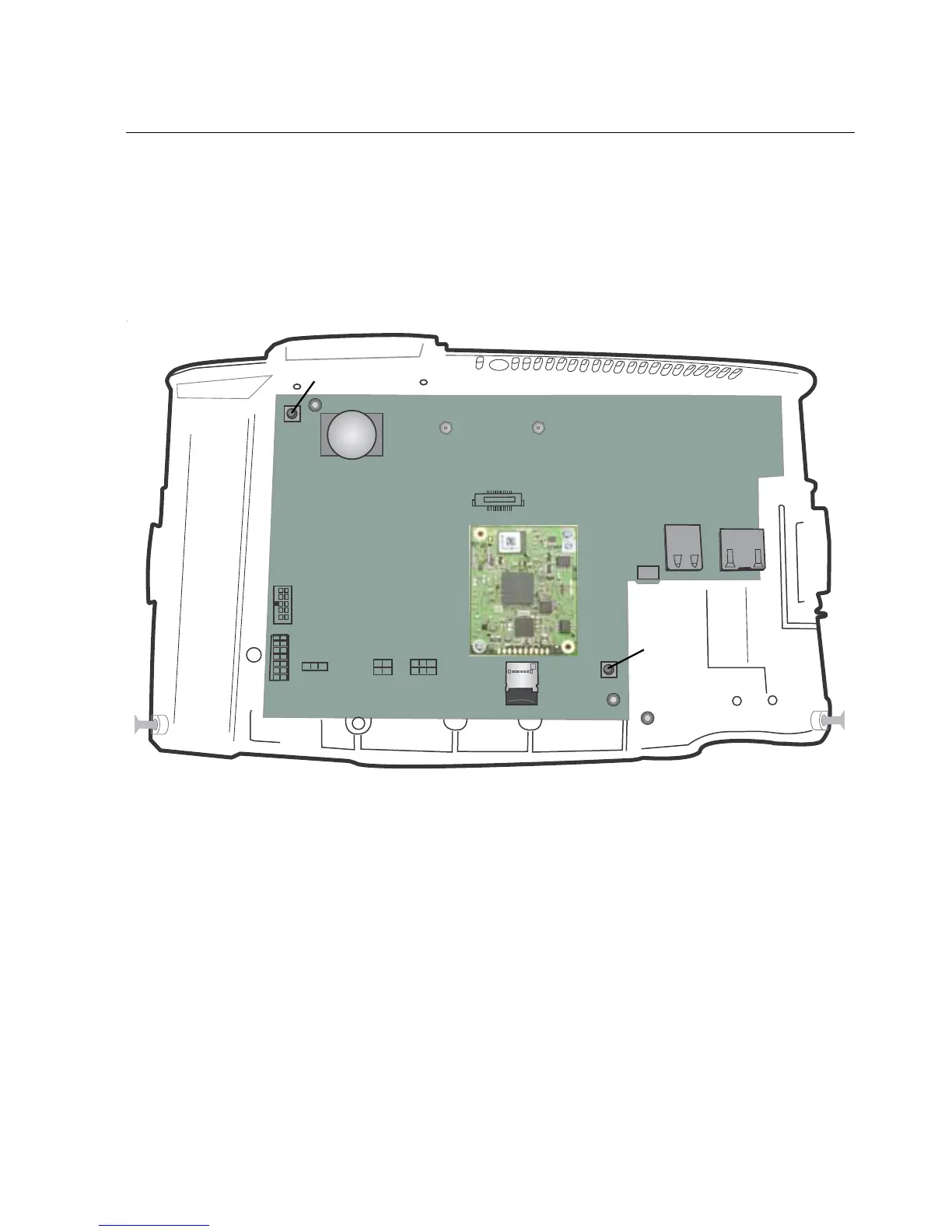
Alternative buttons for Maintenance mode and restart
91
Alternative buttons for Maintenance mode and restart
If necessary, you can use the following two buttons on the inside of the cover to
access Maintenance mode or to restart the unit.
To open the cover to access the inside of the device, see “Step 2: Open the
InTouch” on page 124.
Restart the device, when the system is not responding. Press and hold
the button for four seconds.
Access Maintenance mode (for example, if the device times out
during the initial setup). Press and hold the button for at least fifteen
seconds.



 To Next Page