Step 1: Prepare the location
63
Mark insertion points for the base
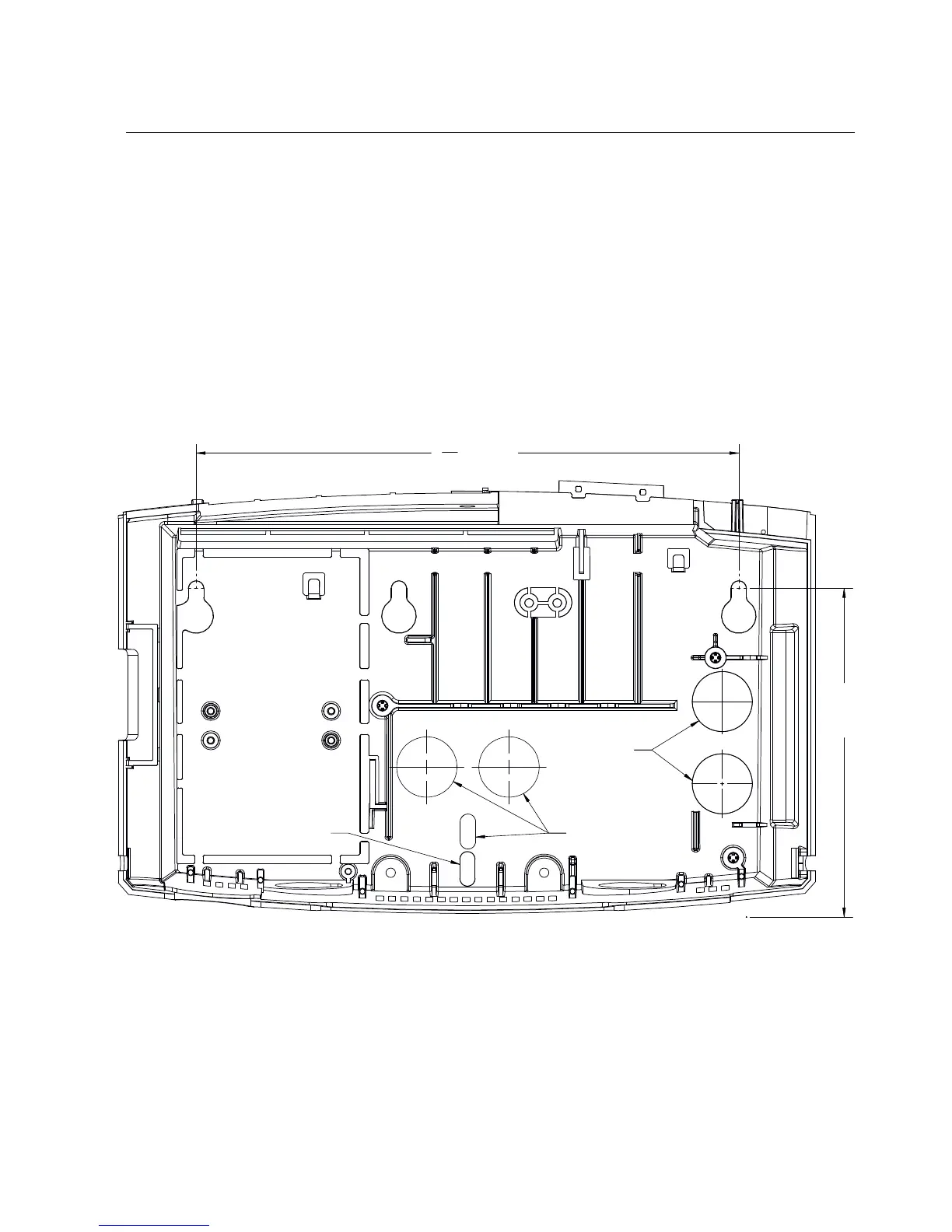
To mark areas on the wall where you will install the device, use the mounting
template or the base of the device
Use the mounting template
The mounting template is printed on a sheet of paper that is included with your
InTouch kit. Use that template to mark the areas of the wall where you plan to
install the InTouch. (You can also use the base itself as the template.)
1. Tape the mounting template (or position the base) at the optimal height and
location for the InTouch.



 To Next Page