Chapter 3 Install the Slim Profile InTouch
70
Step 4: Route the cables
Follow these guidelines as you route specific cables through the points of entry
into the base of the InTouch.
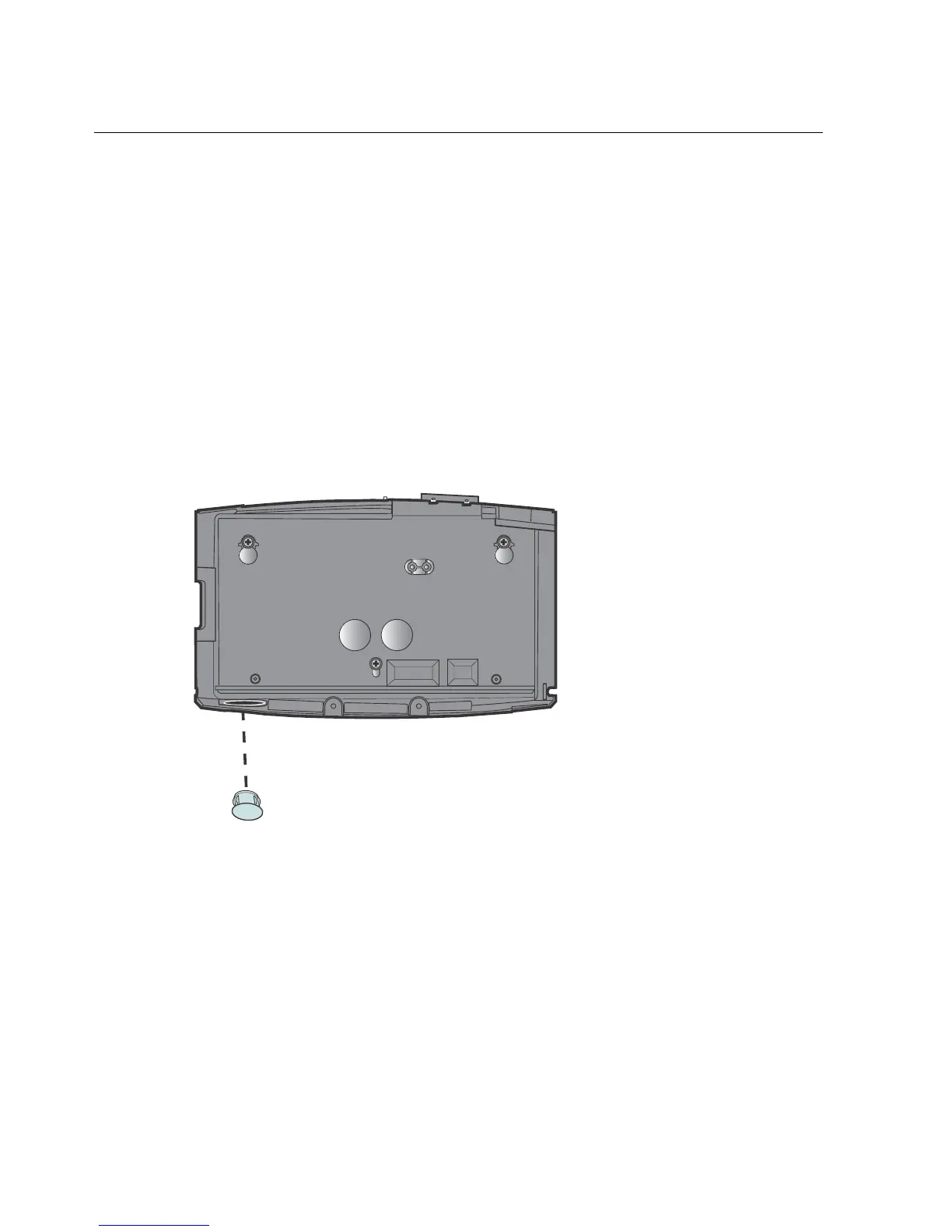
Remove cable access plug
The base of the InTouch has two cable access holes centered near the bottom of
the base and one hole at the bottom of the base. If you plan to route cable through
the bottom hole, remove the plastic plug.



 To Next Page