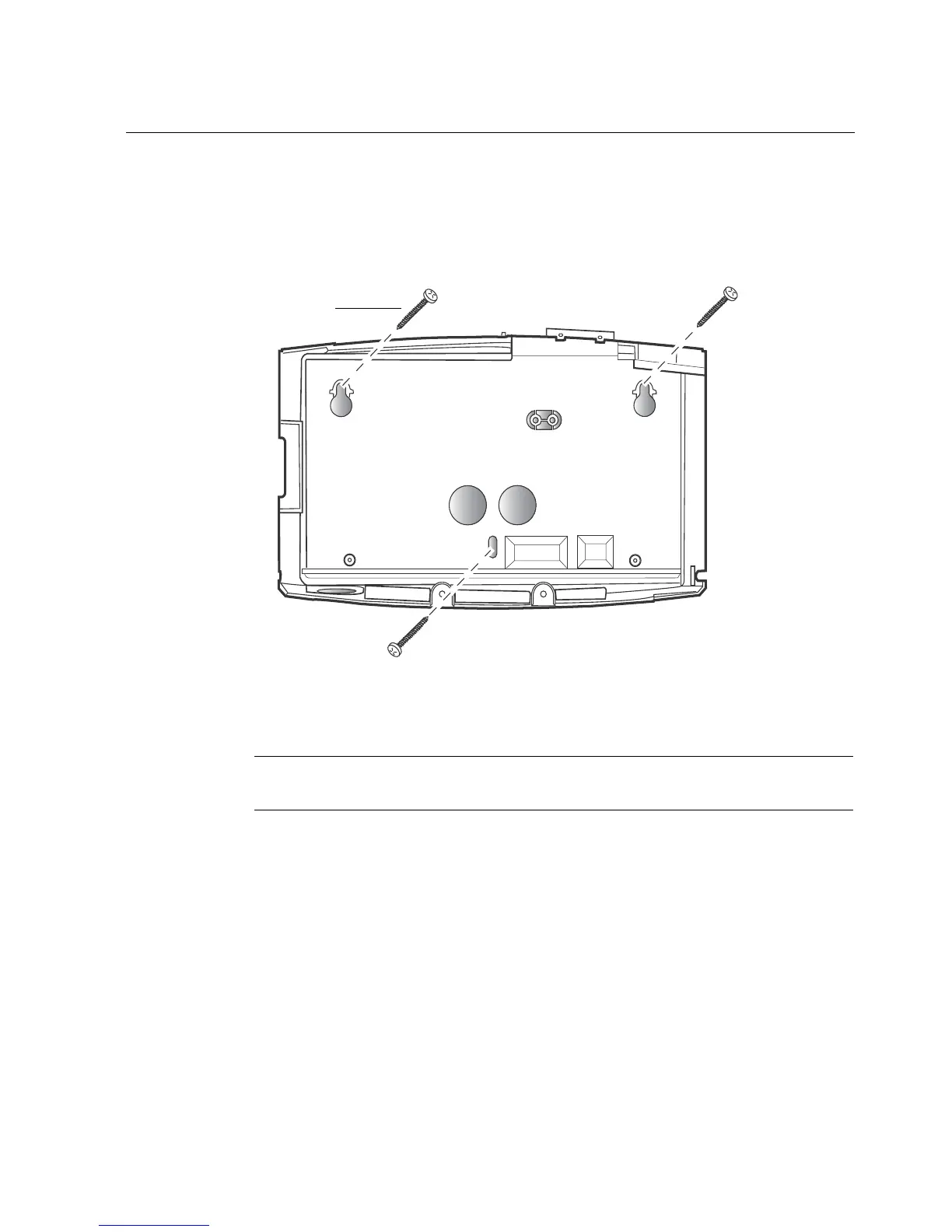
Step 3: Mount the base
69
2. Align the top two screw holes and bottom middle screw hole in the base with
the two top screws in the wall, and gently set the base in position.
3. Tighten the top two screws so that they are flush against the base. Then drive
the bottom middle screw into the wall so that it is flush against the base.
Note: Do not tighten the screws excessively. If the wall surface is not smooth,
you may crack the base.



 To Next Page