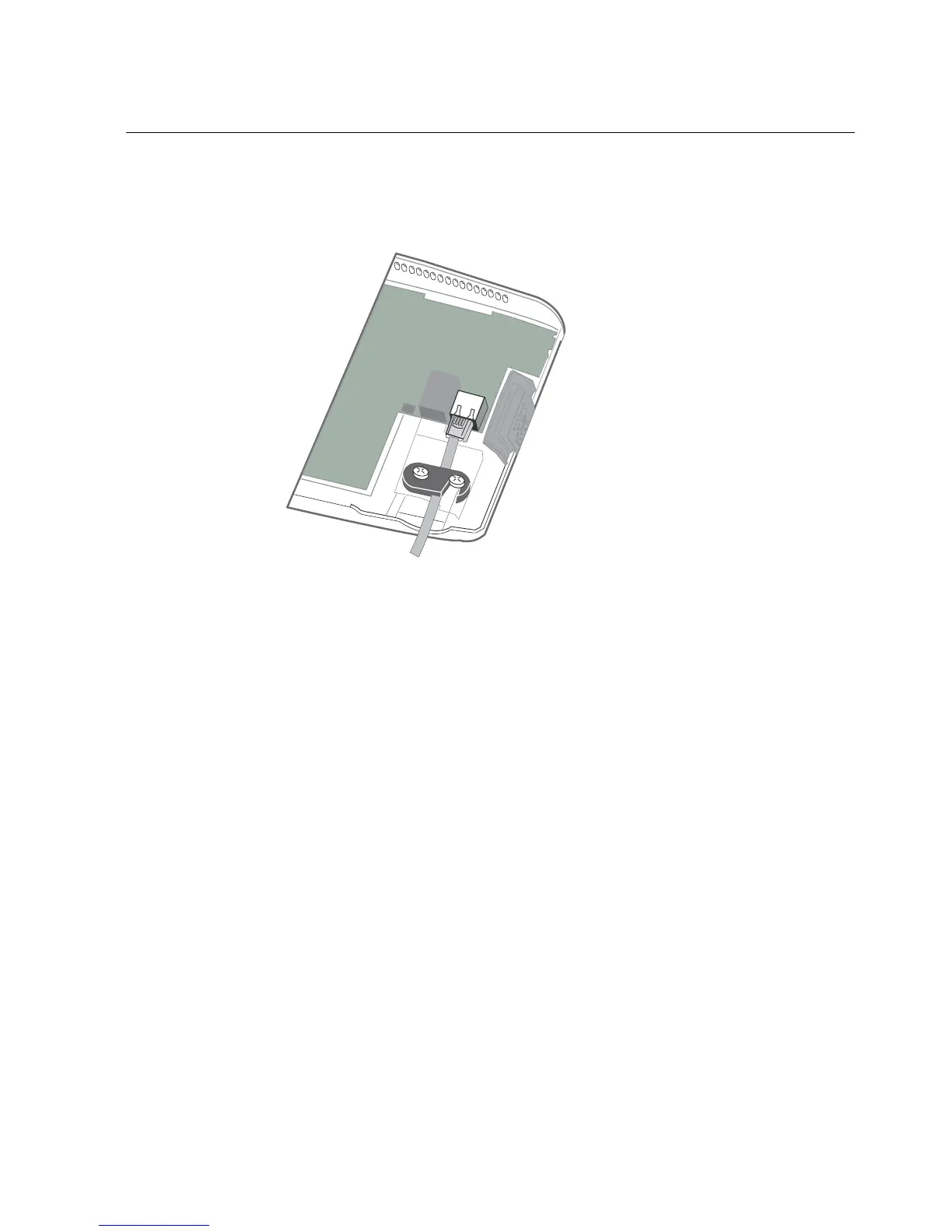
Step 7: Connect power and cables to the main board
79
c. Tighten both screws.
3. If the external wall transformer is the source of power, plug that power cord
into the AC outlet and into the main board.
4. Close the cover of the InTouch enough so that you can view the display screen
as the device initializes.
Verify that the power is on
A red light inside the InTouch indicates that the power is on. If that light is not on,
check the power connections.
After you turn on the power, the InTouch initializes and performs internal
diagnostics. When the initialization finishes, the system displays the time and date
on the touchscreen. (The time and date may not be accurate until you set it in
Maintenance mode or when the device begins communicating with the host
application.)



 To Next Page