Chapter 2 Install the Standard Model InTouch
38
Step 5: Install components and options in the base
Install the transformer
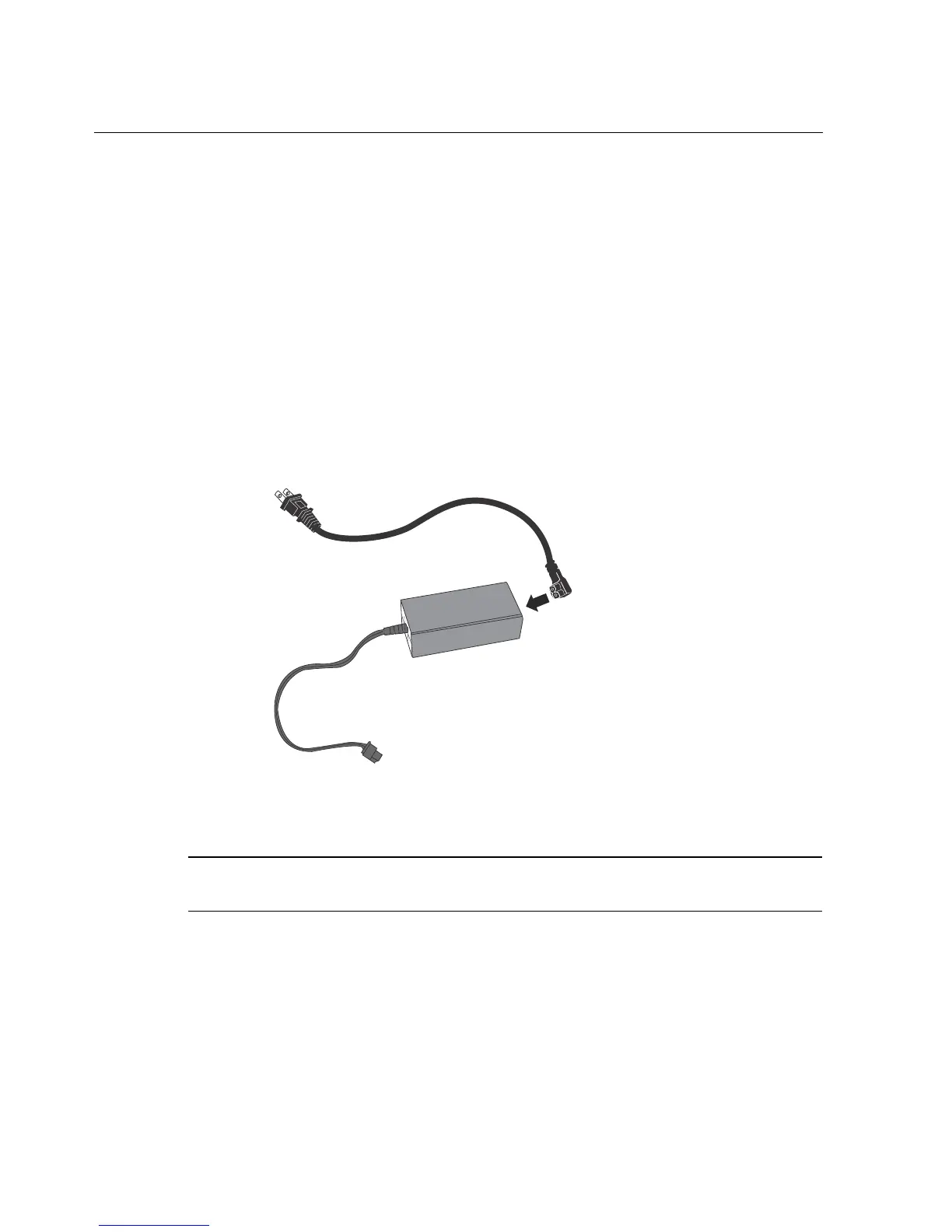
1. Plug the power cord into the top of the transformer.
– Use the supplied 12-inch (30.48 cm) cord for mounting the InTouch over
an AC outlet.
– Use the 6-foot (1.8 meters) cord if you are using an external AC outlet.
– Hold the transformer so that the power cord that you just plugged in is at
the top and the non-labeled side of the transformer is facing you.
Note: The type of transformer and length of the cord may vary depending on your
locale and which configuration was ordered for your site.



 To Next Page