Chapter 2 Install the Standard Model InTouch
48
Step 10: Connect and secure the cables
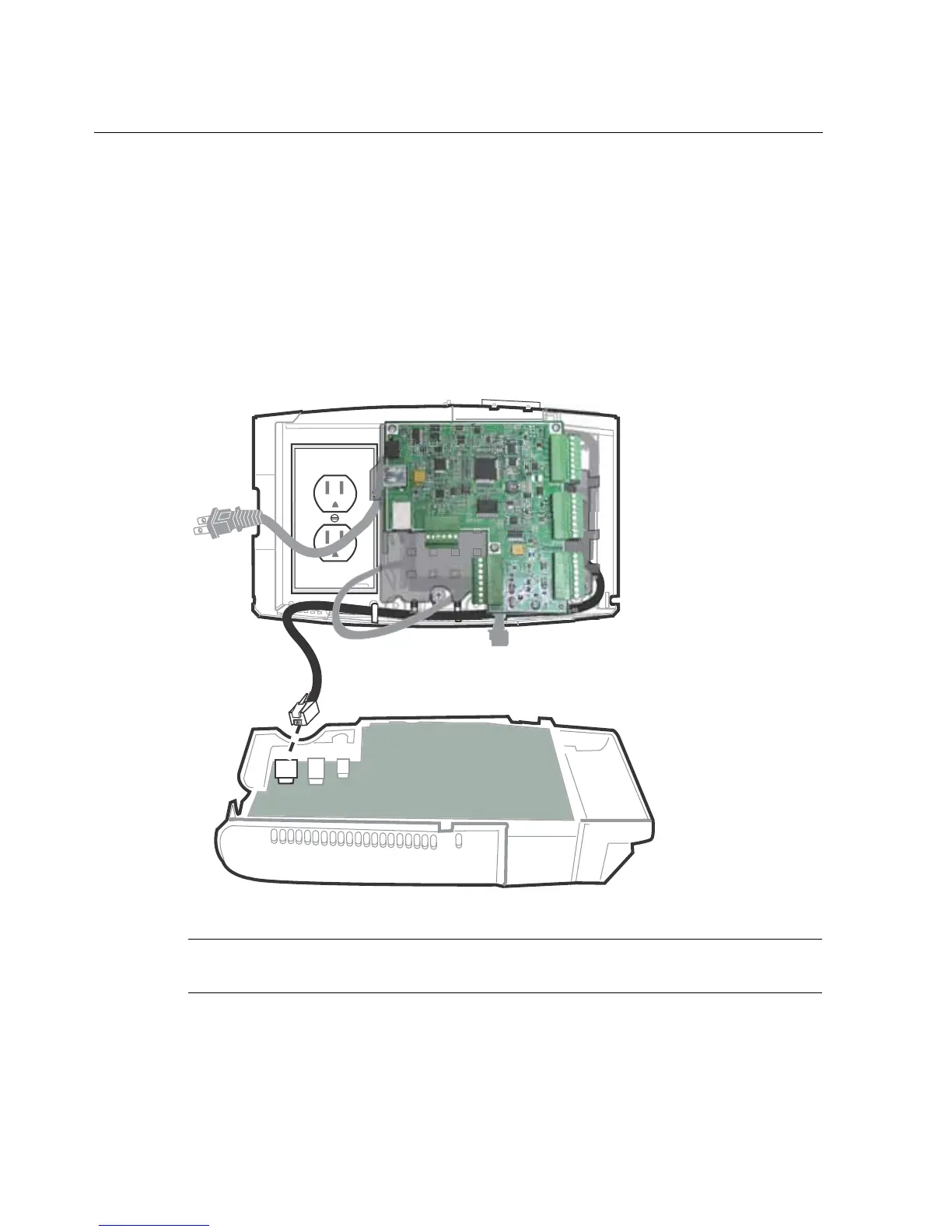
Connect Ethernet cable
1. Plug the cable into the Ethernet port to connect the InTouch to the local area
network. The cable can also be routed through either of the bottom holes in
the base.
Note: If you are using Power-over-Ethernet (PoE) or PoE Plus, the unit will turn
on.



 To Next Page