Chapter 2 Install the Standard Model InTouch
54
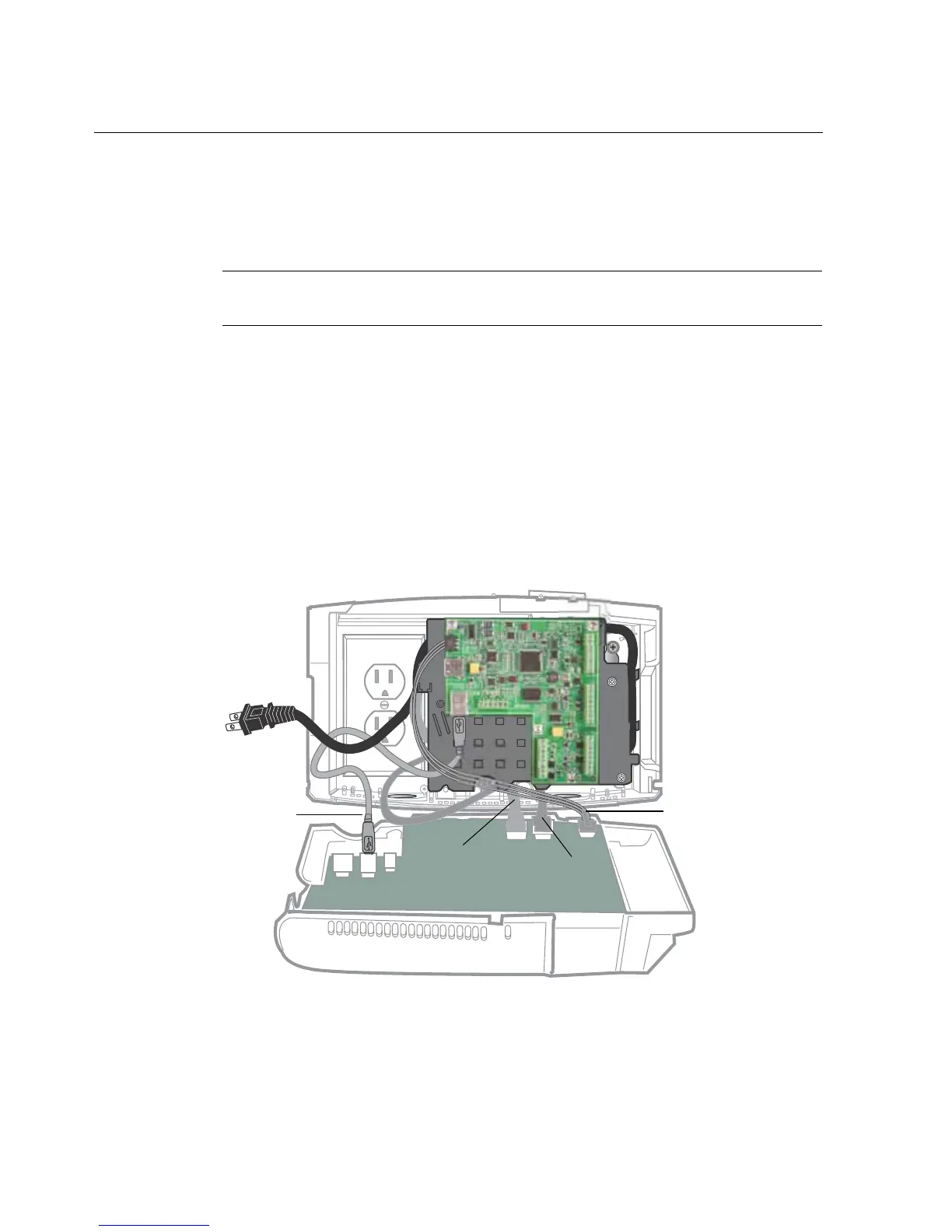
Connect battery, transition board, and transformer cables
• Backup battery — Plug the cable into the 6-pin connector on the main board.
Note: Although the backup battery is not fully charged, it may have enough
power to turn on the unit.
• Transformer — Plug the power cable into the 4-pin connector (J1) on the
main board.
• Transition board — If these cables are not already connected, do so now:
– Connect the power cable from the 3-pin connector on the transition board
to the 3-pin connector on the main board.
– Connect the data transmission cable from the mini-USB port on the
transition board to the standard USB port on the main board.



 To Next Page