Appendix B Open and Disconnect the InTouch
130
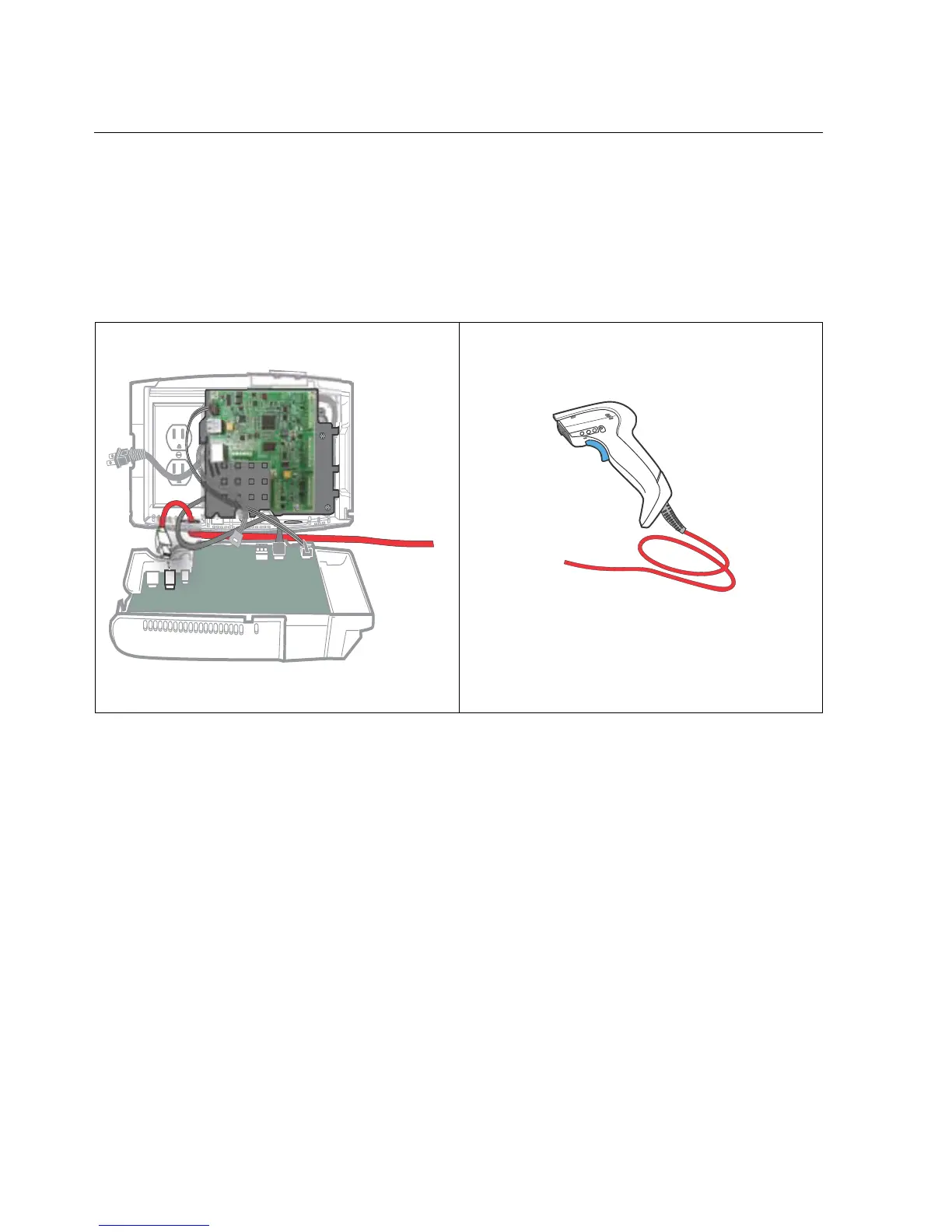
Example 3: Linear imager cable
If you need to disconnect the linear imager, unplug the cable from the standard
USB port on the main board of the device. (In some configurations, the imager
may be plugged into a USB port on the transition board.)



 To Next Page