Chapter 2 Install the Standard Model InTouch
46
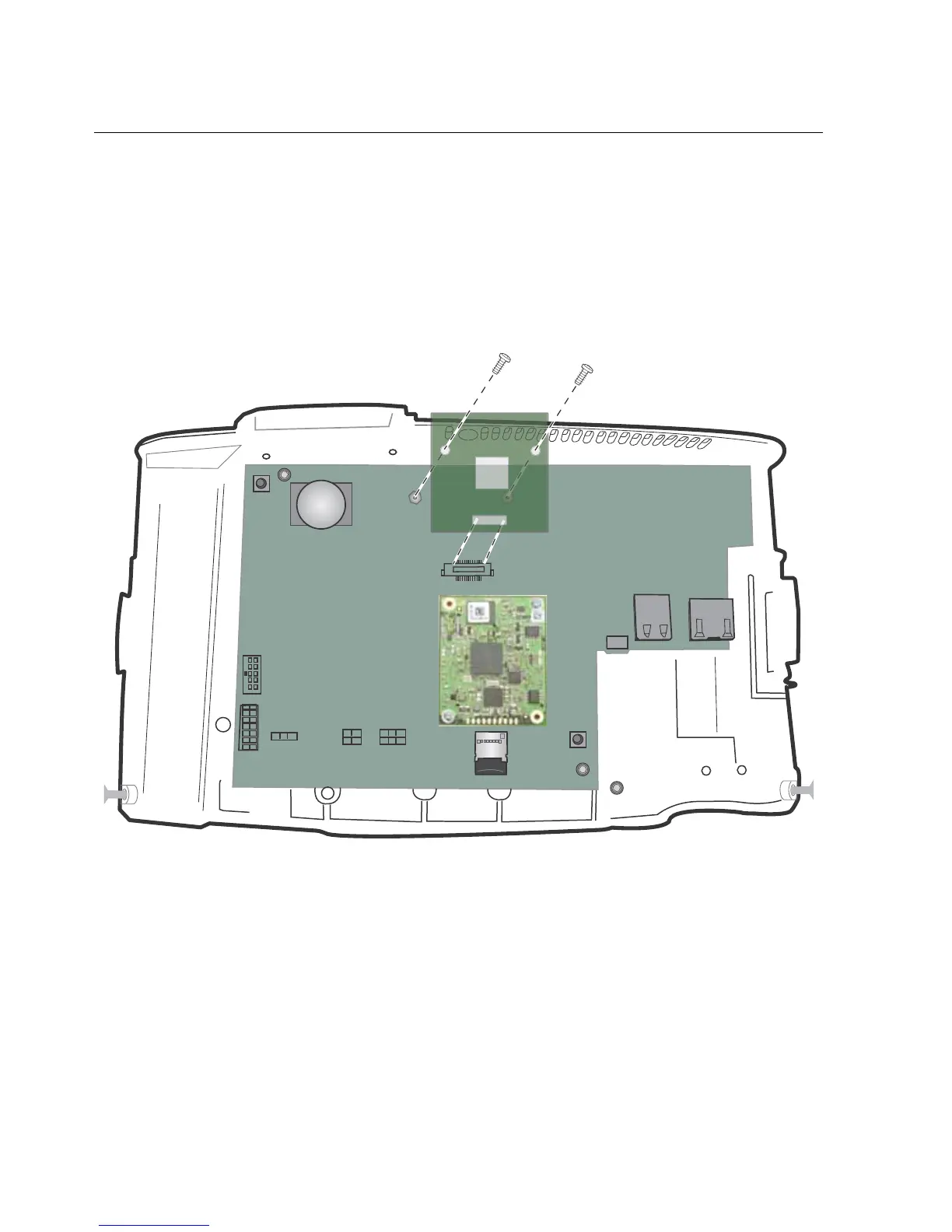
Step 8: Install the Wi-Fi option
If you have already installed the Wi-Fi option, or have not purchased it, skip this
step. Otherwise, install it now. The Wi-Fi board connects to the main board inside
the unit’s cover.
See the Wi-Fi option installation guide for complete installation instructions. Then
return to this guide to continue the installation.



 To Next Page