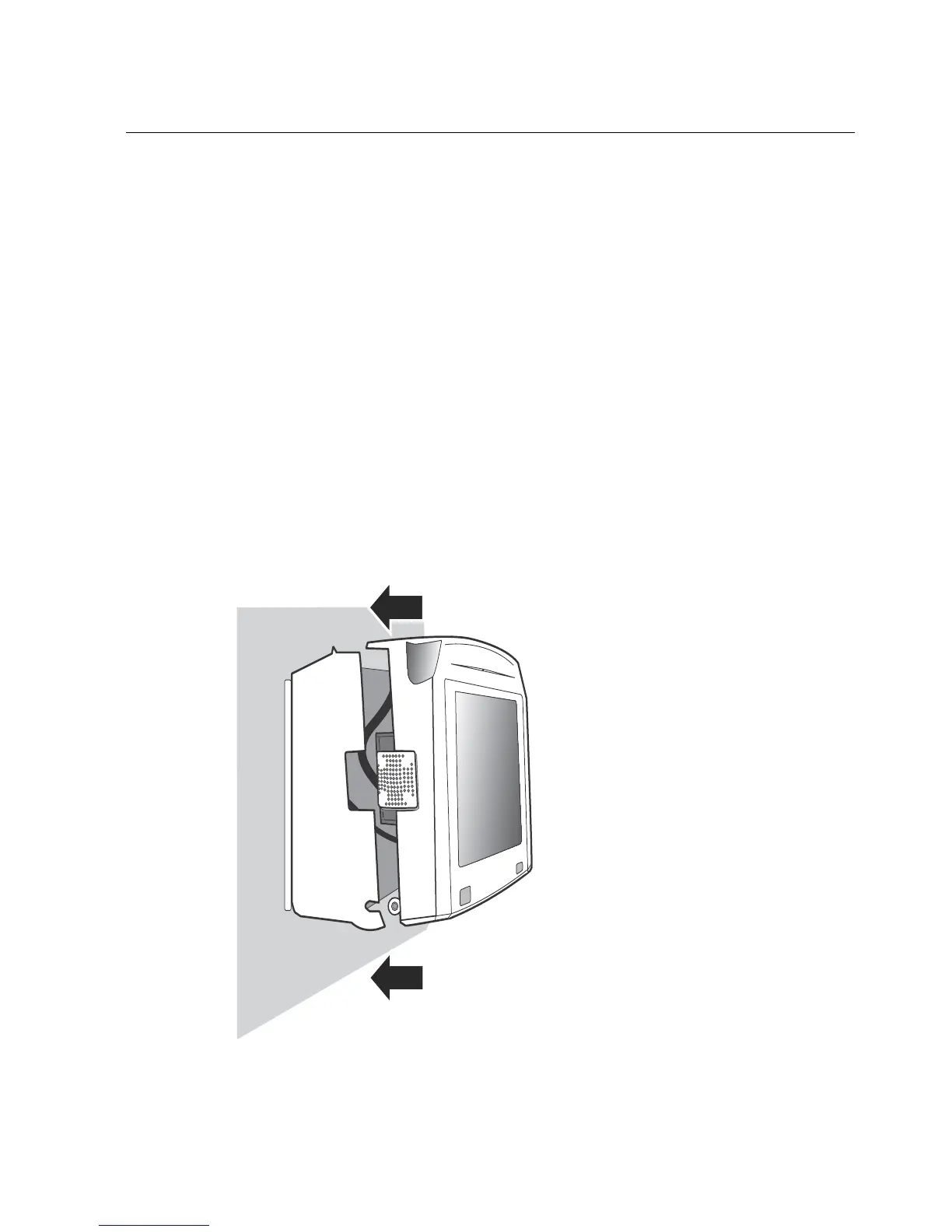
Step 12: Close and lock the InTouch
57
Step 12: Close and lock the InTouch
When the InTouch is powered on and operating, perform the following steps.
Tighten the strain relief clip
Adjust the slack in the cables as necessary and then tighten the strain relief clip
that you previously inserted through the bottom hole of the base.
Close the cover and secure the screws
1. Close the cover onto the base. There are three locking tabs on the top of the
base-one in the center and one at either end. They fit into the three holes on
the top of the cover. Do not close it on any of the cables inside the InTouch.
Do not force the cover when closing it.



 To Next Page