Step 4: Route the cables
71
Cable routing guidelines
Follow these guidelines as you route the Ethernet cable or AC wall transformer
cord through the point of entry into the InTouch:
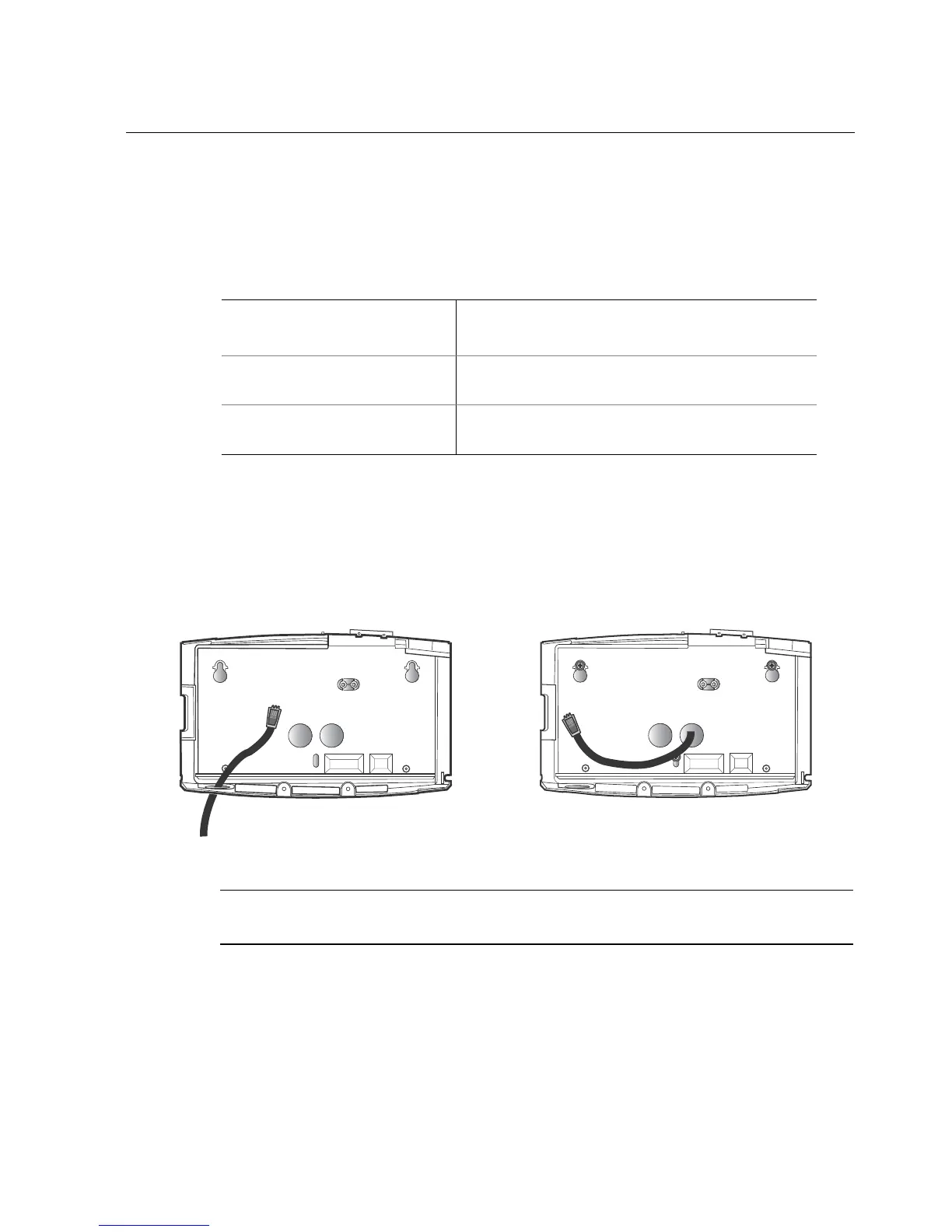
Route the Ethernet cable
Run the Ethernet cable through the base. For example:
Note: If the Ethernet cable is also the source of power for the device, do not plug
it into the main board until you are directed to do so.
Point of Entry
Approximate Amount of Slack After Point
of Entry
Through the wall into the back
of the InTouch base
• Ethernet cable: 10 inches (25.4 cm)
Through the bottom of the
InTouch base
• AC wall transformer cord: 12 inches (30.5 cm)
• Ethernet cable: 6 inches (15.2 cm)



 To Next Page