Appendix B Open and Disconnect the InTouch
136
Step 7: Store the cover in a protected area
After all cables and optional components have been removed from the cover and
main board of the device, set the cover assembly aside in a secure area where the
touchscreen and main board will not get damaged.
Step 8: Disconnect badge readers and universal relay
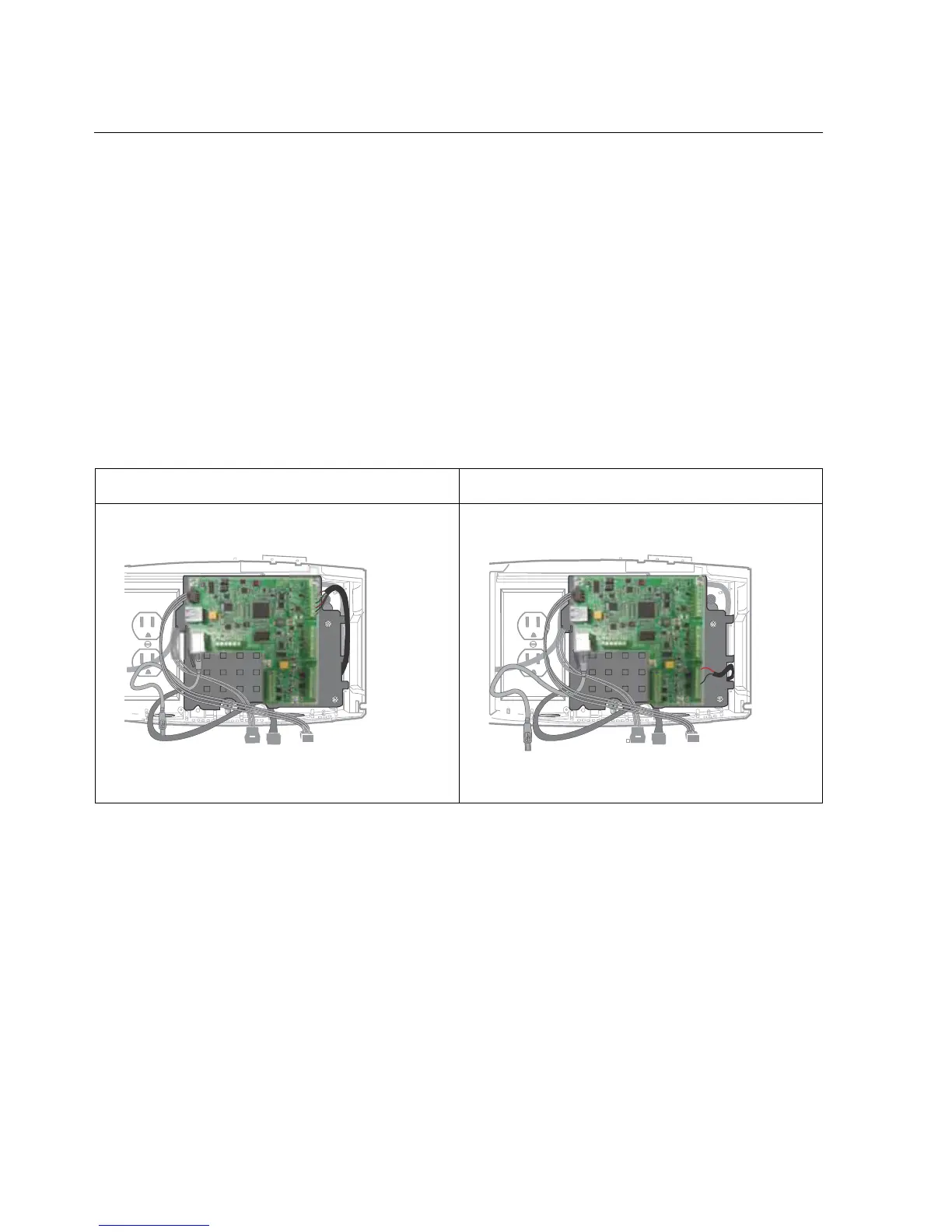
(Standard model only) If you need to disconnect a remote badge reader or
universal relay, unplug those cables from the 8-pin terminal block receptacles on
the transition board. For example:
Remote Proximity Reader Universal Relay



 To Next Page