Step 3: Mount the base
31
Step 3: Mount the base
After you prepare the location, drill holes at the locations on the wall that you
marked with the template. Then, mount the base of the InTouch to the wall:
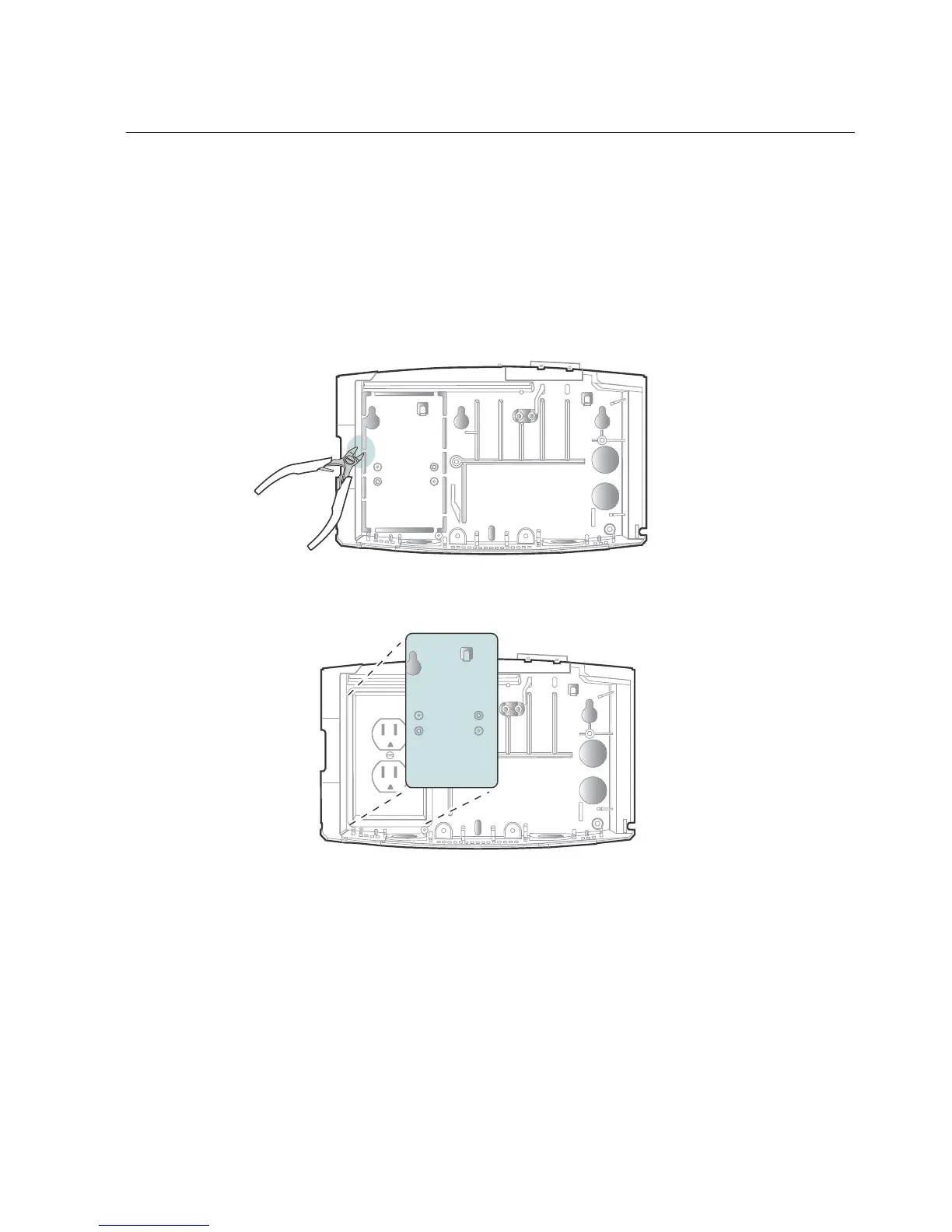
1. To install the device over an AC outlet, remove the knockout plate (if it has
not already been removed).
2. Using the two large holes on the right that you marked on the wall from the
mounting template or the base, use a 3/8 inch drill bit to drill holes into the
wall at those marked locations. Those holes will be used to run the Ethernet
cable, the cable from a remote reader, and any other cables that you plan to
run through the wall in to the base of the InTouch.



 To Next Page