Plan the installation
13
Plan the installation
This section describes how to prepare your site for the installation of the InTouch.
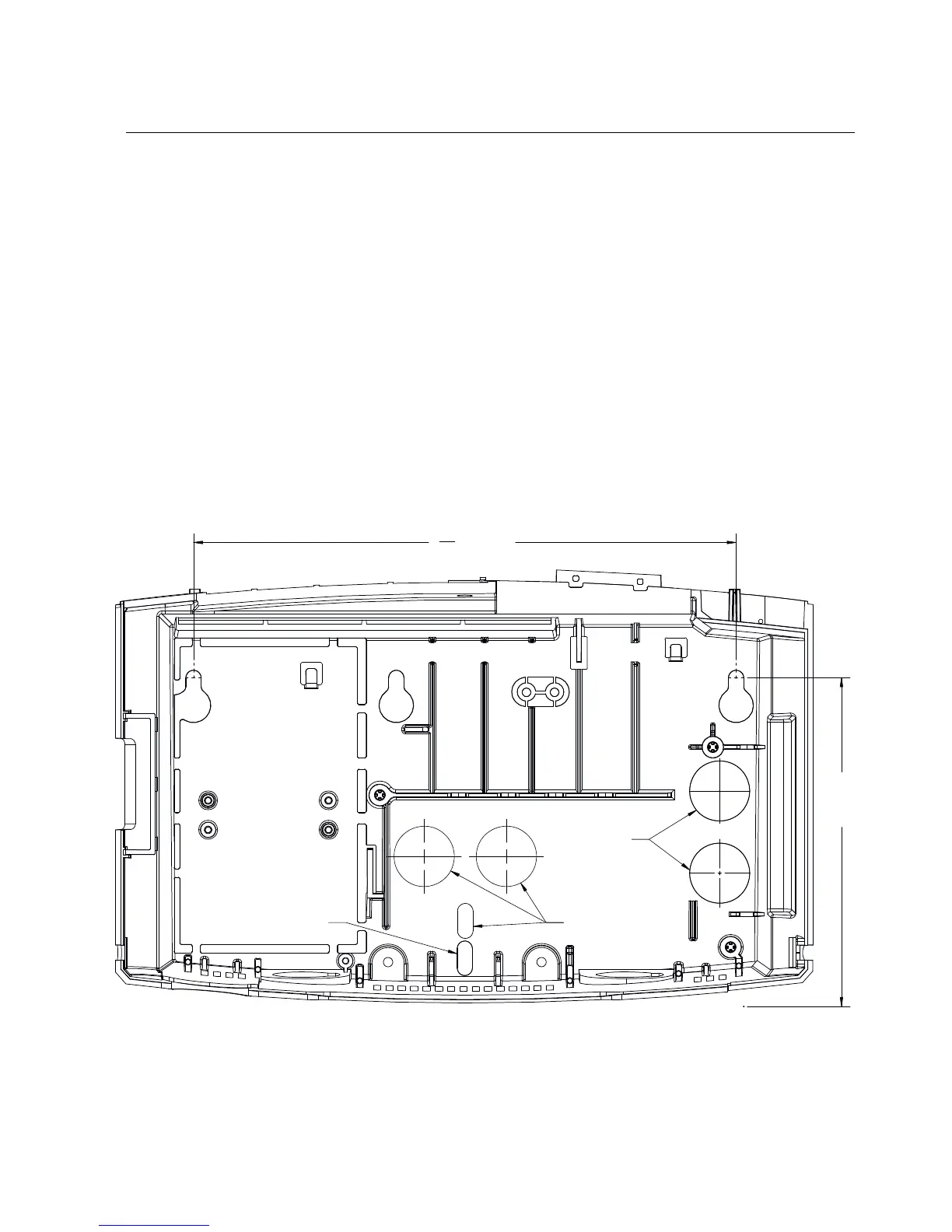
Mounting template
The InTouch kit includes a paper mounting template that you use to mark the wall
with the following measurements and indicators:
• Where to screw the base of the unit into the wall
• Where the AC outlet must be located
• Where cables enter the unit through access holes in the wall
• Where cables enter the unit through the access holes at the bottom



 To Next Page