Chapter 2 Install the Standard Model InTouch
44
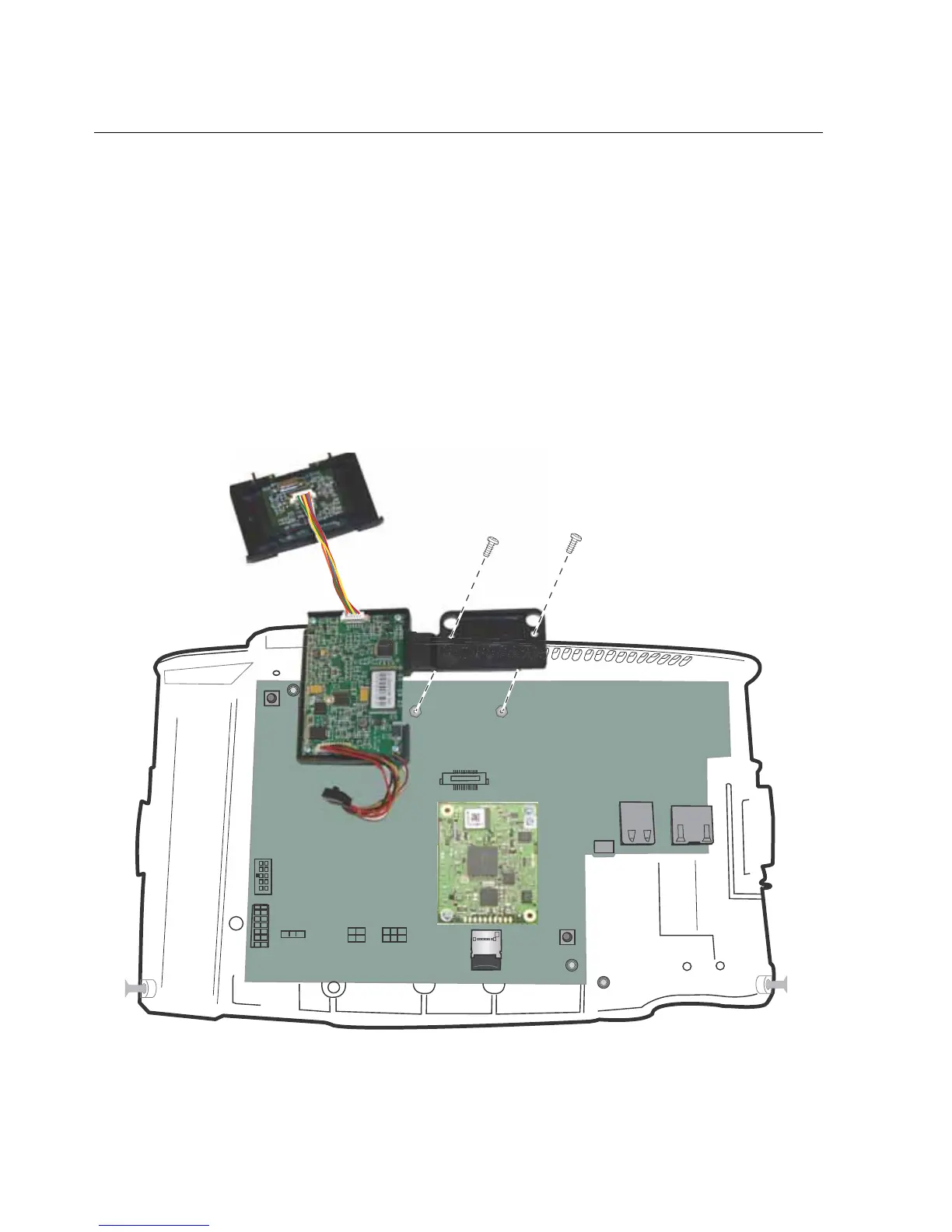
Step 7: Install the finger scan option
If you purchased a finger scan kit, install it now.
Kronos Touch ID
Note: If you are also installing the Wi-Fi option, install it at the same time that you
install the Kronos Touch ID. For details, see the Kronos Touch ID installation
guide for the InTouch 9100.



 To Next Page