Chapter 4 Troubleshooting and Preventive Maintenance
90
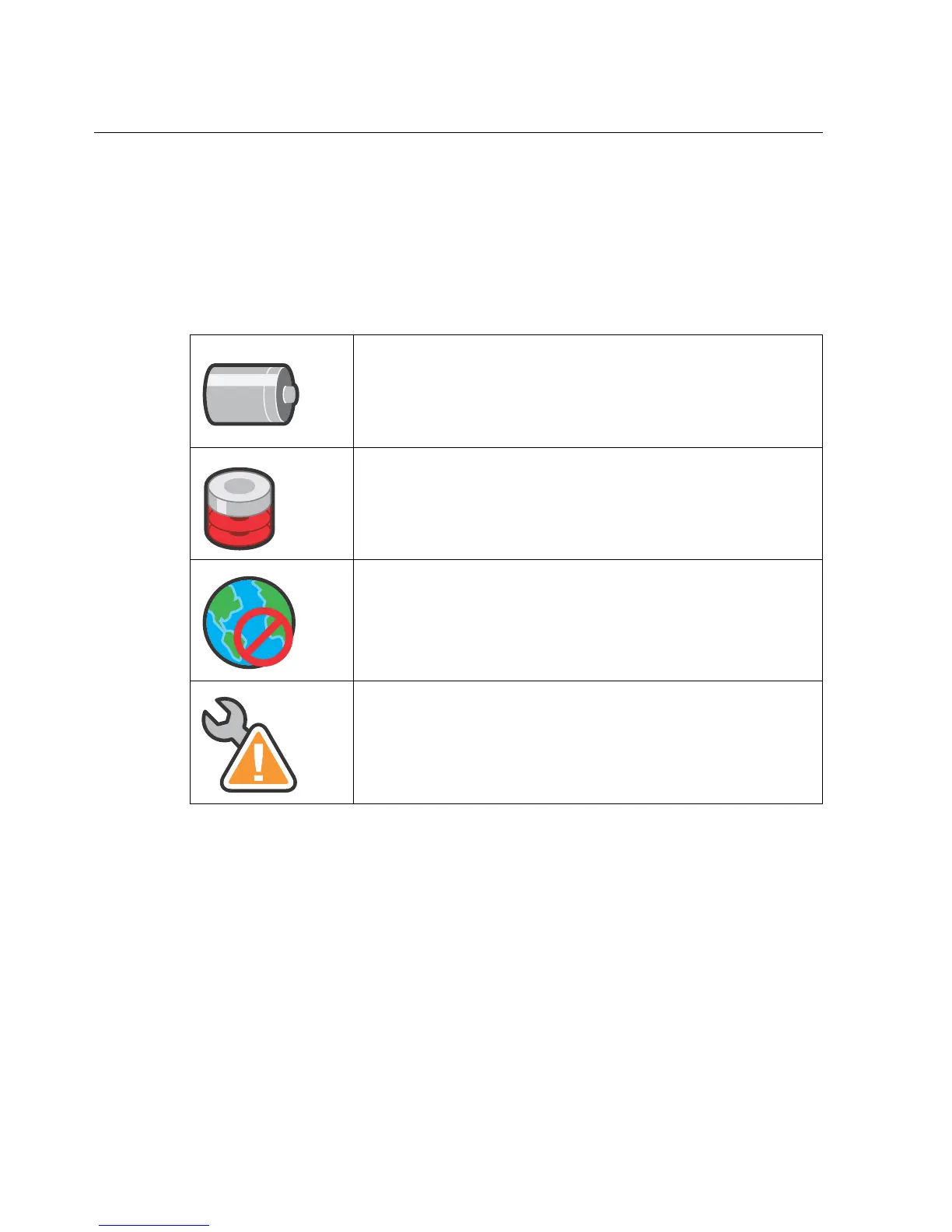
Device status icons that indicate problems
One or more status icons may appear below the logo on the home page. The
following icons indicate specific problems. See the user guide for a complete list
of device status icons and descriptions.
Indicates that the data collection device has lost power and is
operating on battery backup. Check the plugs, connections, and so
on.
Indicates that the disk free space has fallen below the low disk
space threshold. Contact your administrator to increase the disk
space.
Indicates that the device is failing to communicate with the host
application, or with a Smart View server, which can reside on a
different machine. Check the Ethernet connections.
Indicates that the average memory usage, CPU load, or both have
exceeded the thresholds. Contact your administrator.



 To Next Page