Appendix A Replace a Series 4000 Device with the InTouch
116
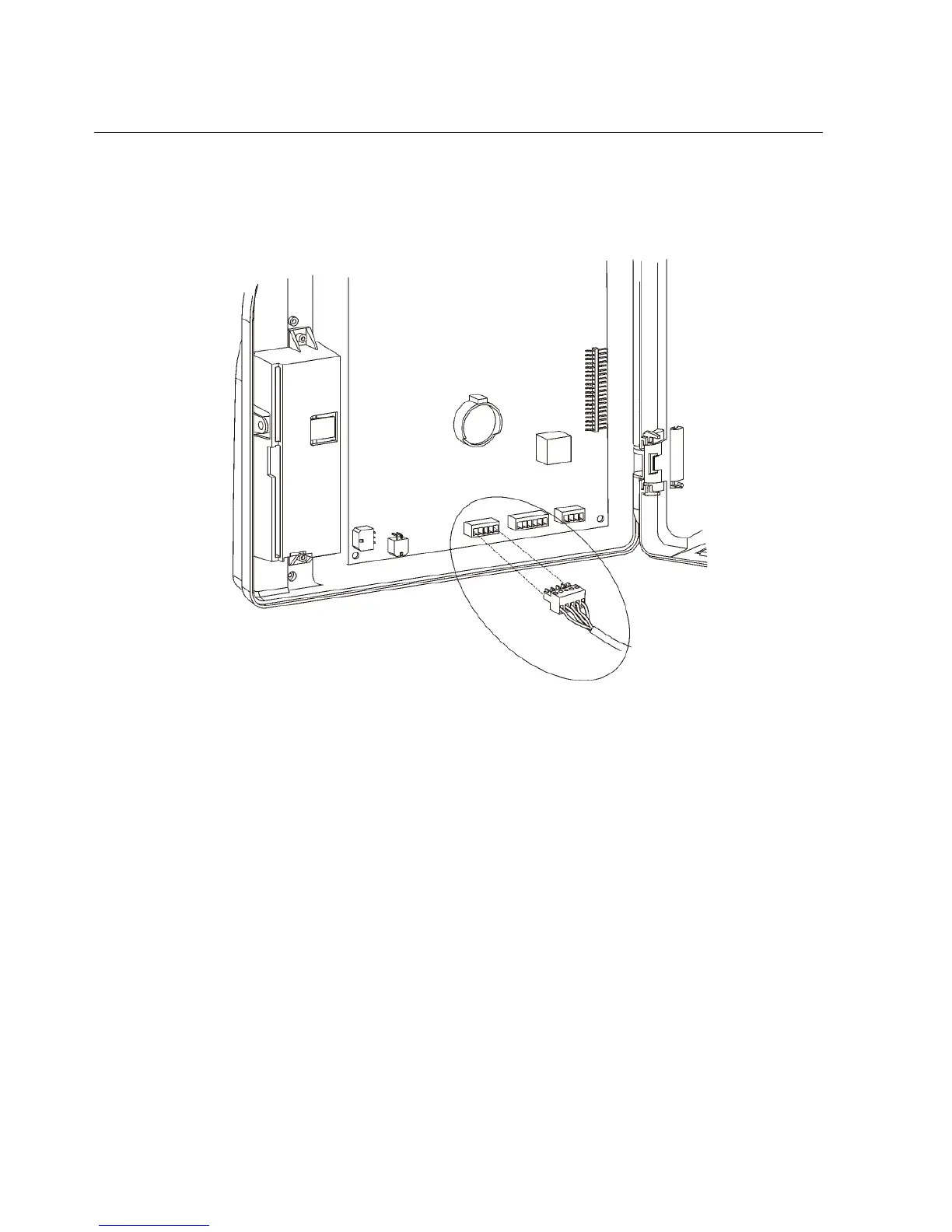
If the part number of the device is 8602000-xxx, use the following illustration
to locate the connection and disconnect the cable:
12. If your device uses a universal relay (for example, to ring a bell or operate a
door strike), disconnect the relay from the device main board and thread the
cable out of the device.



 To Next Page