Step 2: Open the InTouch
125
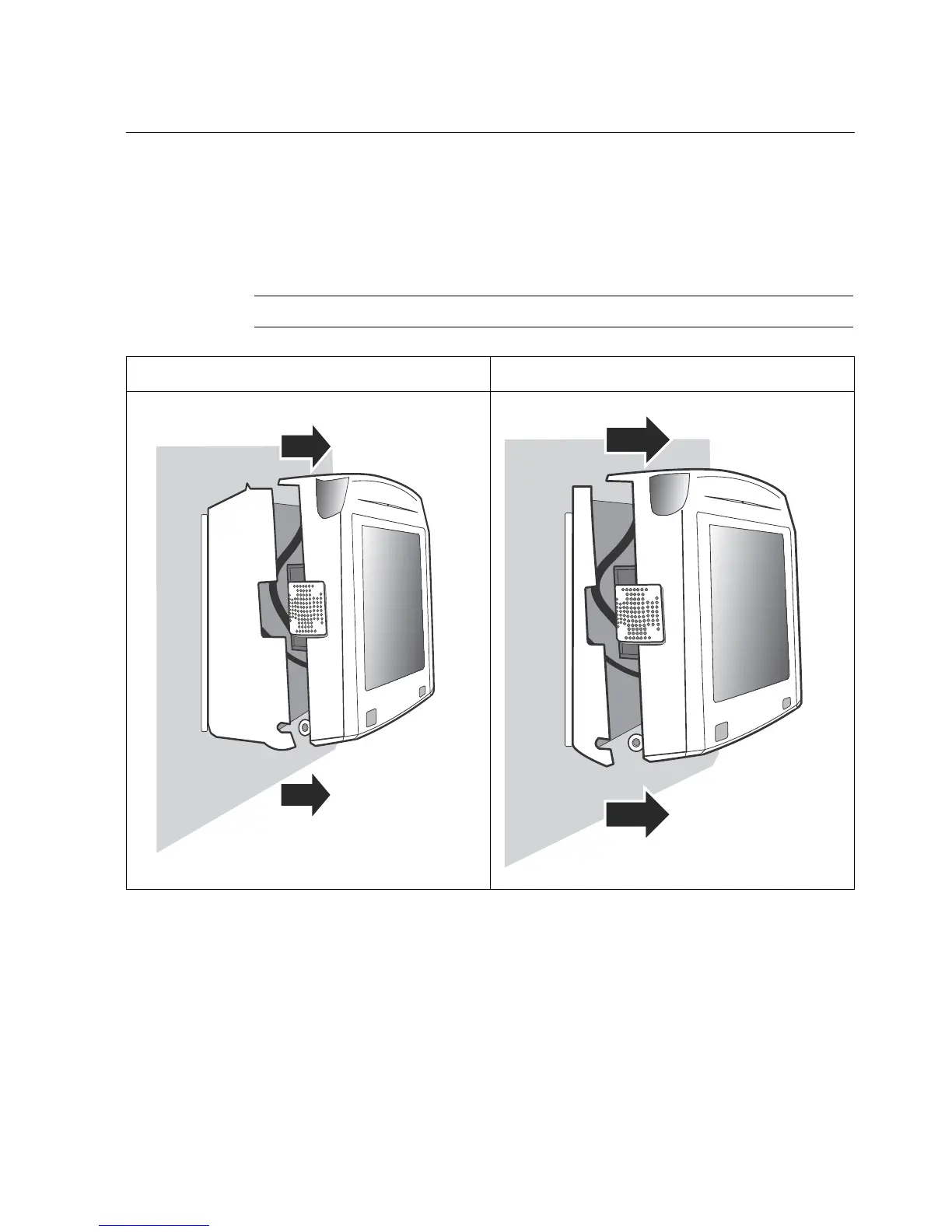
2. To remove the cover, grasp the bottom of the timeclock with one hand and,
with the other, pry open the top corners, and then pull open each end of the
timeclock. You may not be able to completely open the cover if there are
cables from optional components connected to the main board.
Note: You may need another person to hold the cover as you work.
Standard Model Slim Profile Model



 To Next Page