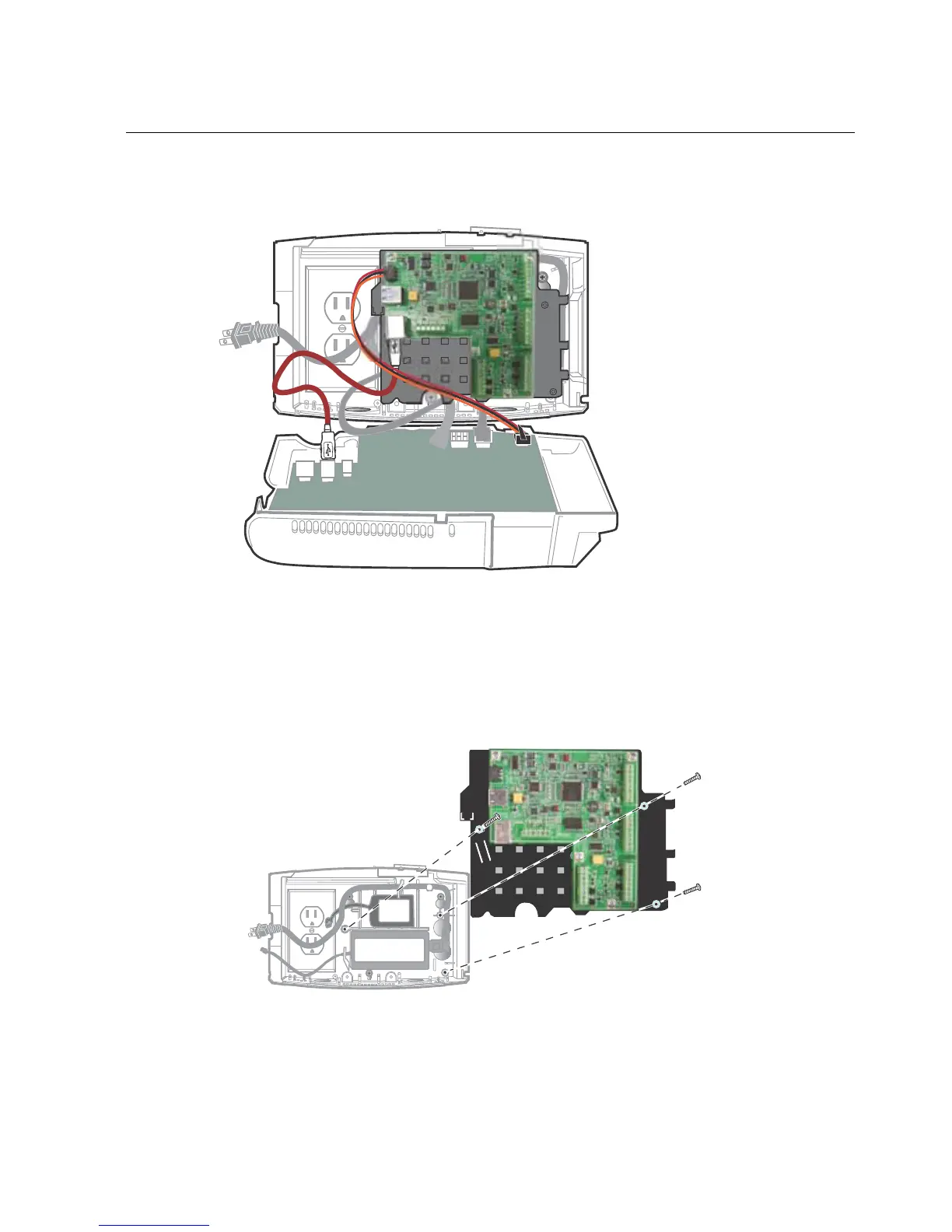
Step 9: Remove battery, transformer, and transition board
139
Transformer, battery, and transition board:
1. Unplug the cables from the transition board, including the power cable, USB
cable, and the cables from the battery and transformer.
2. Use a Phillips screwdriver to remove the plastic transformer holder and
transition board assembly. Then remove the transformer and battery.



 To Next Page