Step 1: Prepare the location
25
Use the base of the device as the template
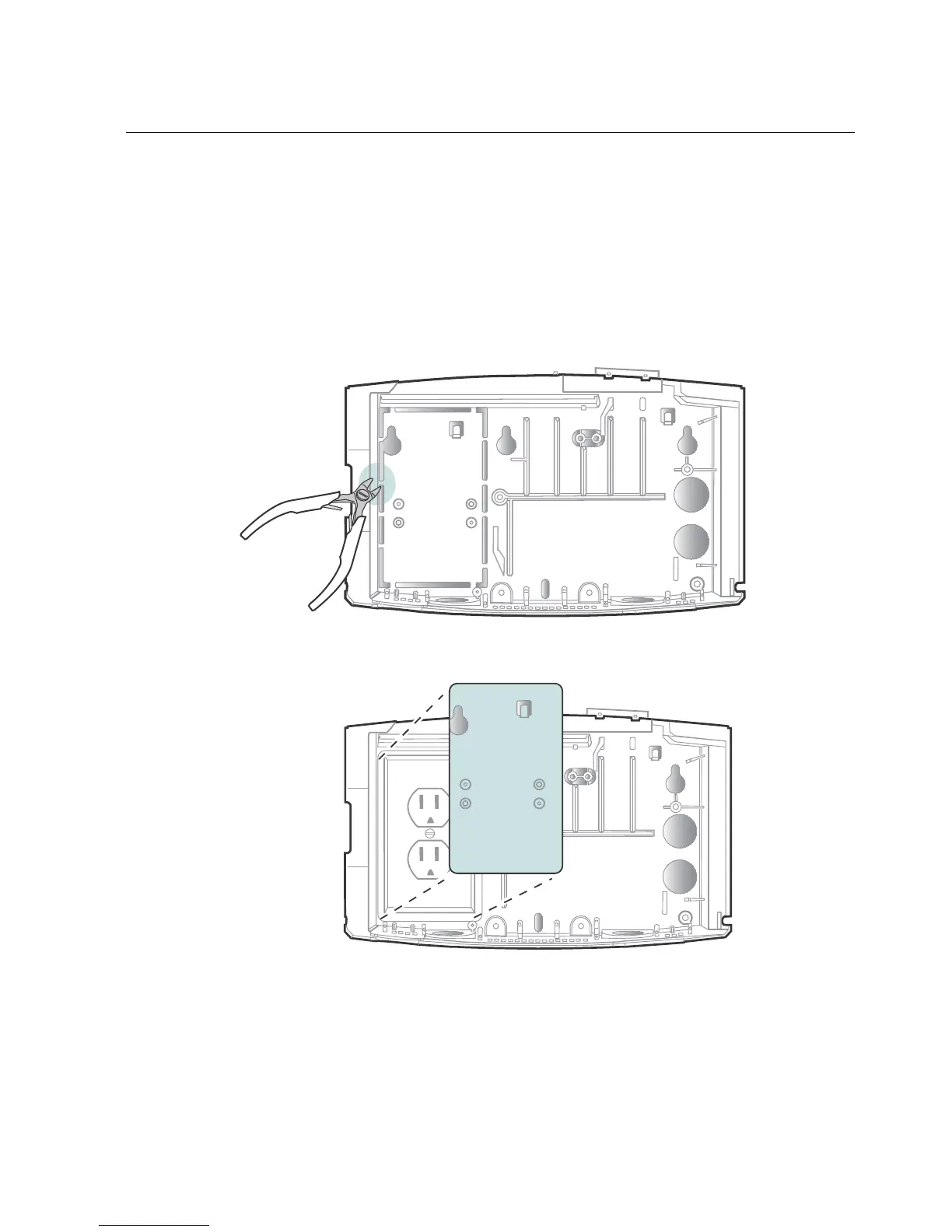
You can also use the base of the InTouch as the template. Note, however, that if
you plan to install the device over the AC outlet, first remove the plastic knockout
plate from the base of the InTouch. This will allow the base to fit over the outlet as
you hold the base against the wall.
1. Use a small wire cutter to cut the plastic tabs that anchor the knockout:
2. Remove the plate:



 To Next Page