Copying Functions
OPERATION GUIDE 4-31
4
During Output
The procedure for using Interrupt Mode during output is explained below.
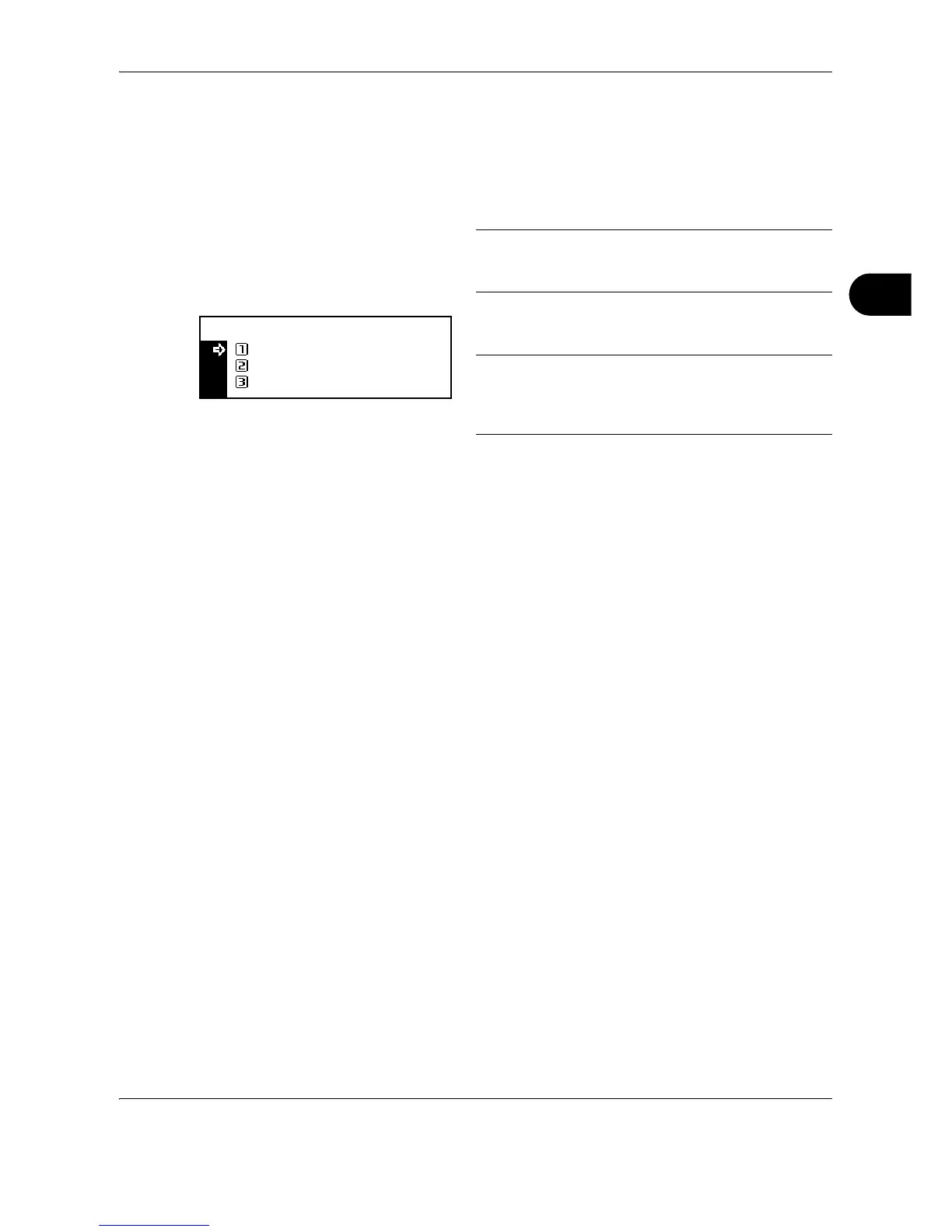
1 Press the Interrupt key during output. Select
Interrupt mode is displayed.
NOTE: If the machine has neither print data nor
received fax data, Interrupt mode OK
[Interrupt mode] is displayed. Proceed to step 4.
2 Press U or V to select the desired interrupt mode.
NOTE: Priority:Printer is displayed when the
machine has print data.
Priority:Fax is displayed when the machine has
received fax data.
3 Press the Enter key.
If you have selected Interrupt copy, message
Interrupt mode OK [Interrupt mode] is
displayed. Proceed to the next step.
If you have selected Priority:Printer or
Priority:Fax, output of data starts. Proceed to
step 5.
4 Place the originals for interrupt copying and
perform copying.
5 After the interrupt job is complete, press the
Interrupt key. The interrupted job resumes.











 To Next Page