4-14 Description and Operation
D-I012.1109EN
innovators in agriculture
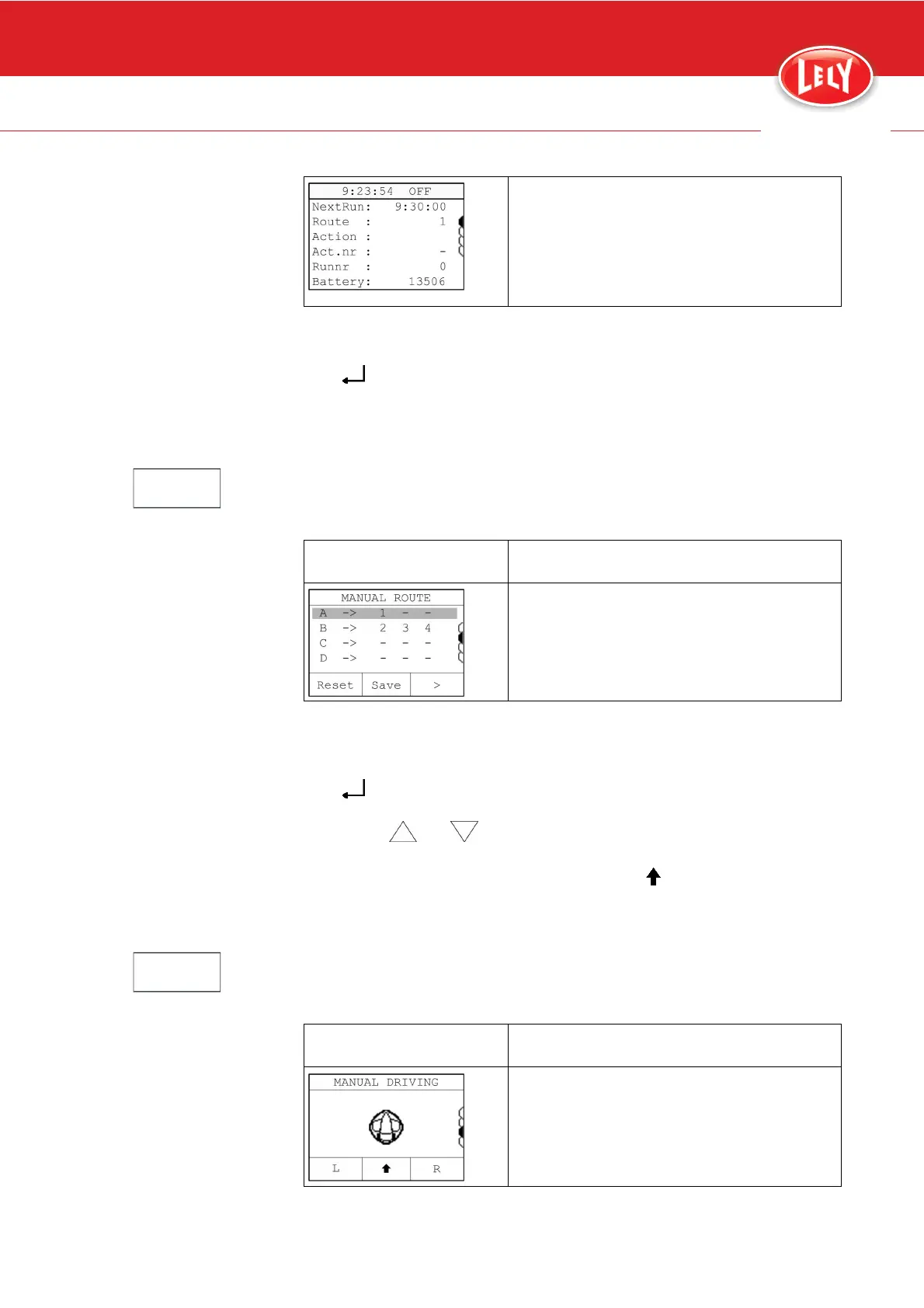
- Route: route number
- Action: action description (visible
during route)
- Act.nr: sequence number for the action
in this route
- Runnr: run number
- Battery: battery voltage.
Buttons:
• [START/STOP] to start or stop timed actions
• [
] to go to the next menu
• [ESC] to go to the previous menu.
4.3.1.2 Manual Route
Note:
Driving manual route is only possible when the time path is switched OFF.
Display Description
• Let the vehicle drive a series of
maximum 3 subsequent routes (page
6-10, page 6-14)
Buttons:
• [START/STOP] to start or stop the action
• [ESC] to go to the previous menu
• [
] to go to the next menu
• Soft button [>] to select the first, second or third route in the series
• Button [
] or [ ] to select the route number
• Soft button [Reset] to clear the set route
• Soft button [Save] to save the set route. [
]
4.3.1.3 Manual Driving
Note:
Driving a manual route is only possible when the time path is switched OFF.
Display Description
• Move the vehicle manually (page 6-4)










 To Next Page