Operating Instructions 6-5
D-I012.1109EN
innovators in agriculture
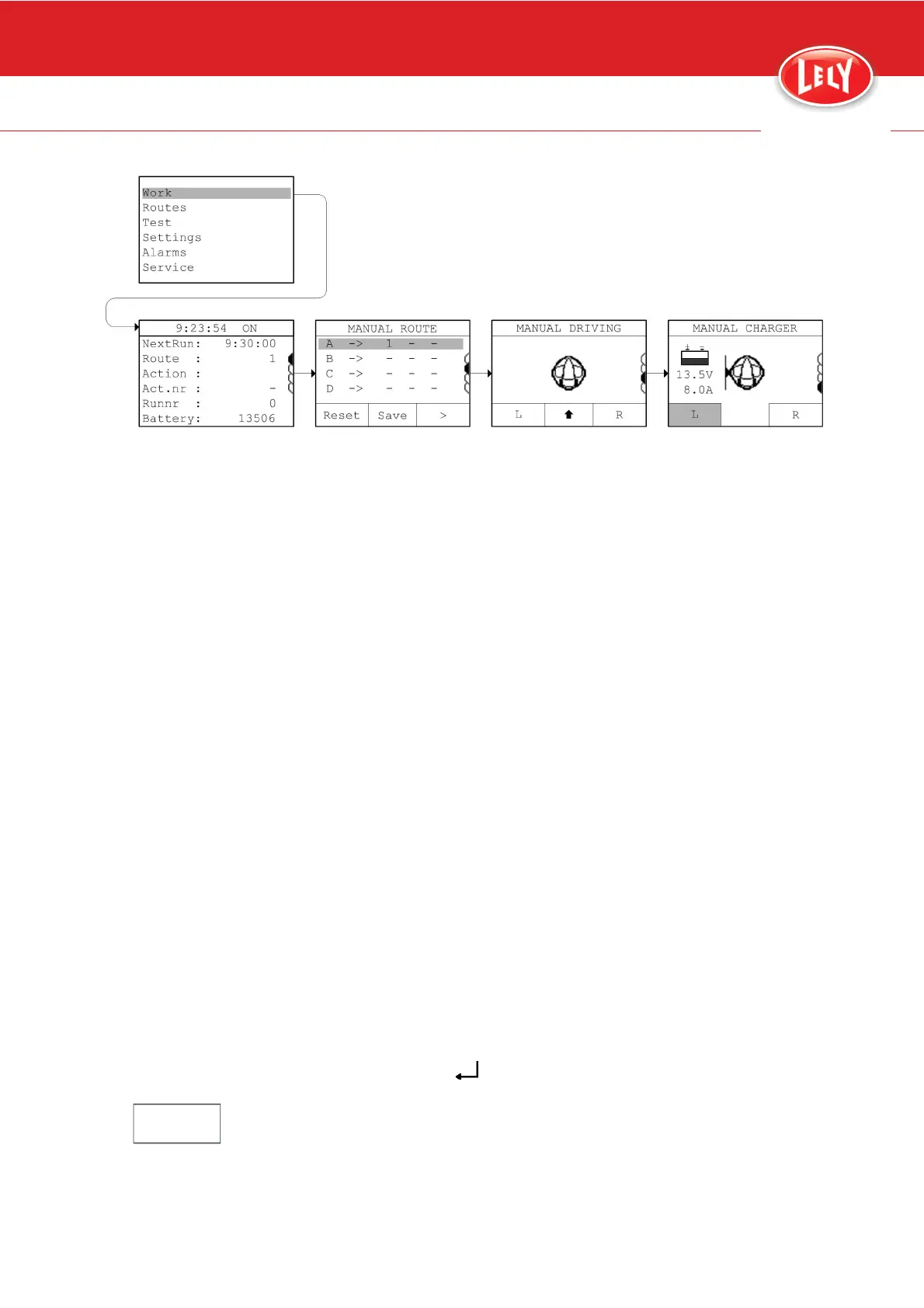
Figure 40. Drive to the charging station
6.6 Prepare for Programming
6.6.1 Requirements for a Good Route
Make it possible for the JUNO 150 to correct itself
• Remove feed and obstacles from the feed alley when programming a
route. This enables the JUNO 150 to return to the 'ideal' route when
it is forced to deviate from the route when pushing feed.
• Be aware that actions like 'turn' and 'straight' may cause inaccurate
results. Make sure the vehicle cannot get stuck after making a turn or
driving straight. Program a 'long action' ('strip follow' or 'ultrasound')
after a 'short action' ('turn' or 'straight').
Make it easy for yourself
• Program routes from different positions in the barn back to the
charging station. This will enable you to easily return the vehicle back
to the charging station in case it gets lost.
• Make a backup after programming a route (page 6-13).
6.7 Program the JUNO 150
6.7.1 Program a New Route
Preparation
1. Make sure you understand the requirements for setting up a good
route.
2. Plan the route.
3. Get the E-Link Manual Controller (page 6-2).
4. Push [ESC] or [
] to wake up the E-Link.
Note:
The E-Link Manual Controller automatically goes into sleep mode when it is
not used for 10 minutes.
5. Stop all timed actions (page 6-13).










 To Next Page