Controlling locomotives 19
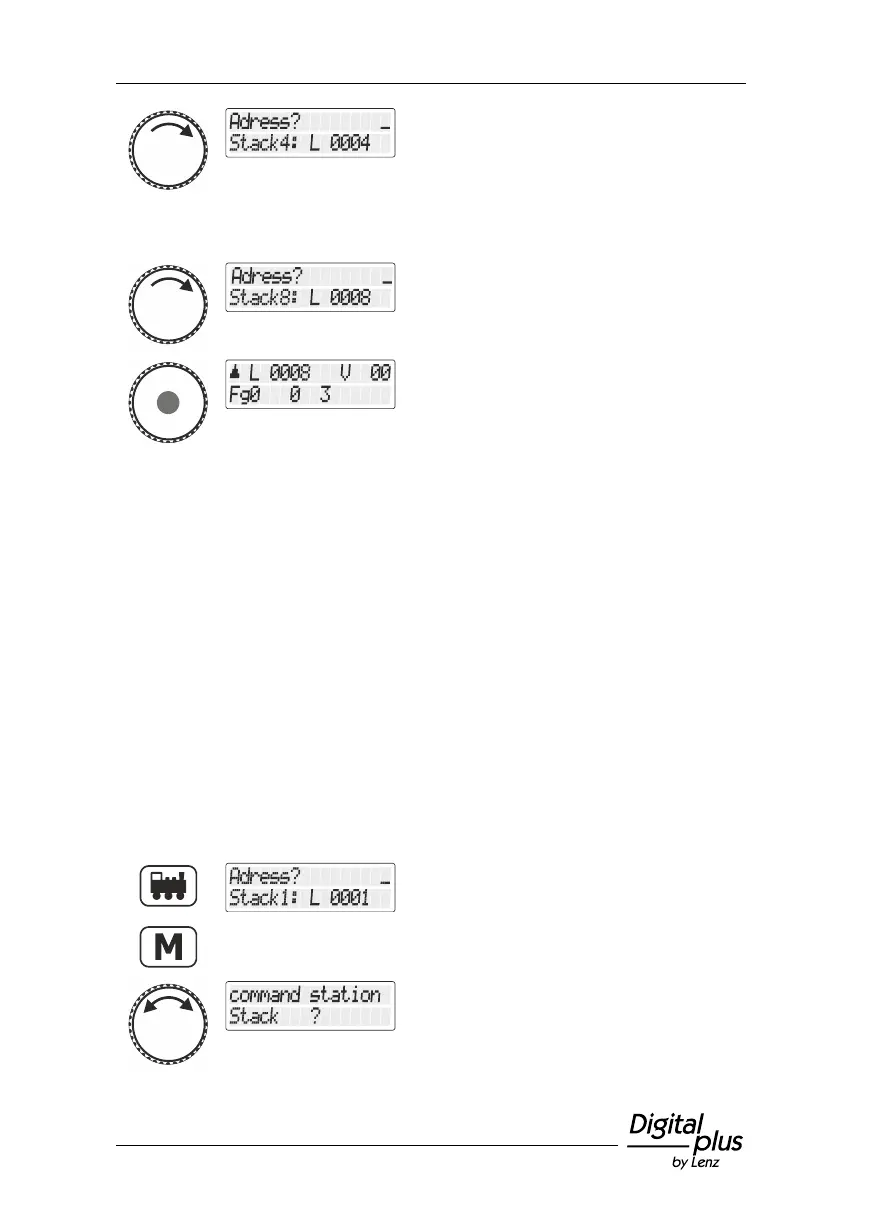
Continue until you have reached the
last stack slot.
Press the rotary knob to select the stack slot
and the locomotive address placed therein.
If you need more than 8 stack slots, you can use another LH101 and
save other locomotive addresses in its stack.
5.1.3 Selecting a locomotive address from the command
station memory
The command station memory is a storage in the command station
(not the manual control!). Each time you call up a locomotive, the
locomotive address and associated data (speed step, function status)
are saved in this storage.
You can either enter a locomotive address or select a locomotive
address from the stack of the manual control or from the command
station memory.
Press the 'locomotive' key.
Change to locomotive settings.
Turn the rotary knob until the option
"Zentralen-Speicher/Command station
memory" is displayed.



 To Next Page