68 Operating manual LH101
12.3 Programming on the Programming track
As explained above, programming means changing the settings of
decoders.
Depending on the decoder setting that you want to change, two menus
are available to facilitate handling:
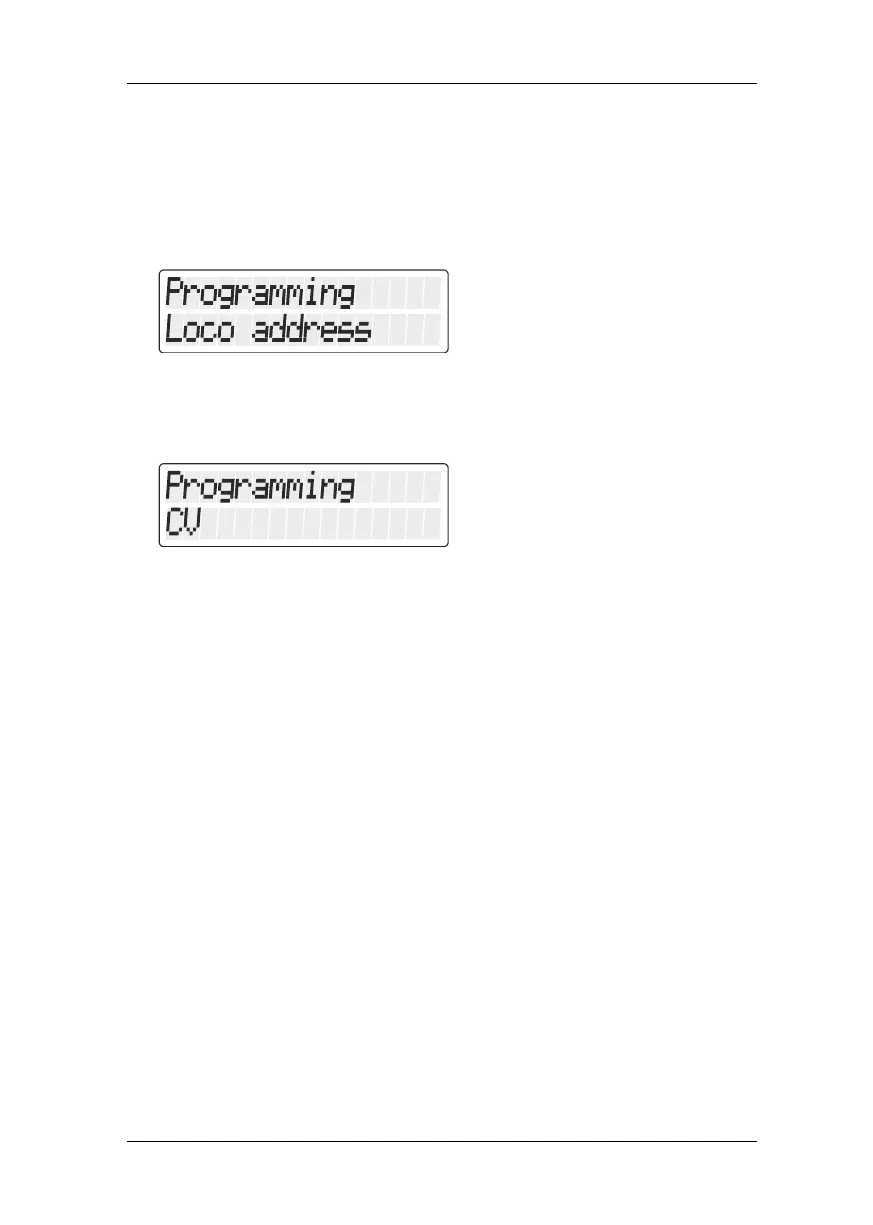
Programmieren Adresse/Programming Address
This is the easiest way to determine or change a decoder address.
You do not need to know in which CVs the values for the address
have to be entered, the process is the same for all addresses.
Programmieren CV/Programming CV
This menu is used for all other CVs that you want to change.
12.3.1 What is a programming track?
When using “Programming on the programming track” it is not
necessary to know the decoder address. The decoder receives a
command like:
"Enter value 15 in CV4!"
To ensure that only one particular decoder receives the programming
command, you must make sure while programming on the
programming track that only this decoder receives this command. This
is done by using a track that is electrically isolated from the rest of the
layout, the so-called “programming track”, on which you place only the
locomotive whose decoder settings you want to change.
12.3.2 Where to connect the programming track/the decoder?
The Digital plus command stations LZ100, LZV100 and LZV200 have
special connection terminals for the programming track (or the
decoder). These connections are labelled P and Q. More information
can be found in the operation manual of the respective command
station.



 To Next Page