Creating, editing and deleting routes 39
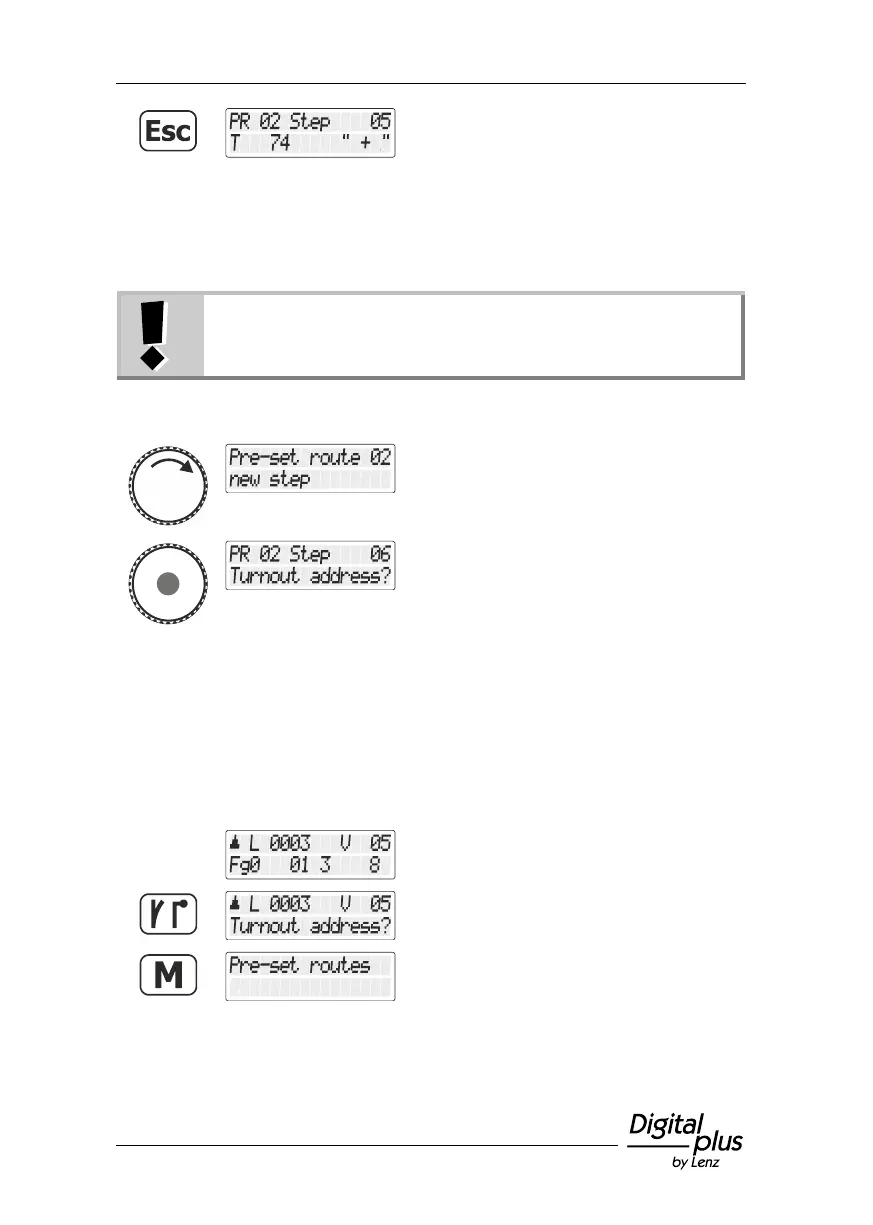
… press the 'Esc' key to cancel the deletion
process and return to selecting a step.
7.2.3 Adding a step to a route
The option " New step" is displayed only if the maximum
amount of steps in a route has not yet been reached!
Proceed initially as described in the section "Editing a route", page 35.
Select the option "Schritt neu/New step".
The next available step number is displayed.
Proceed as described in the section "Creating a new route", page 34.
7.3 Deleting a route
Proceed from ”Controlling locomotive“.
Use the 'points/signals' key to change to the
menu for switching points and signals.
Press the 'M' key to change to creating (or
editing/deleting) routes.



 To Next Page